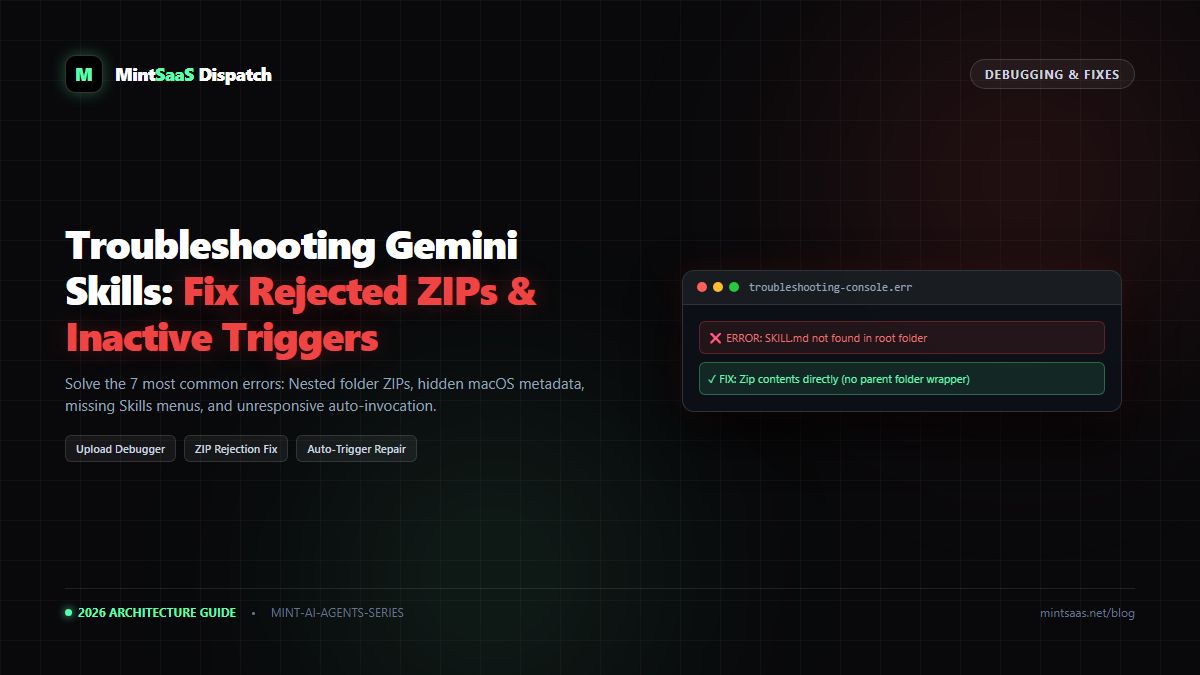
Aydın Tiryaki's Gemini Skills Blueprint: Fix Missing Menus & Master Prompt Import
Discover Aydın Tiryaki's viral Gemini skills methods: Fix hidden Customize menus, import skills directly in chat prompts, and prevent prompt shortening.
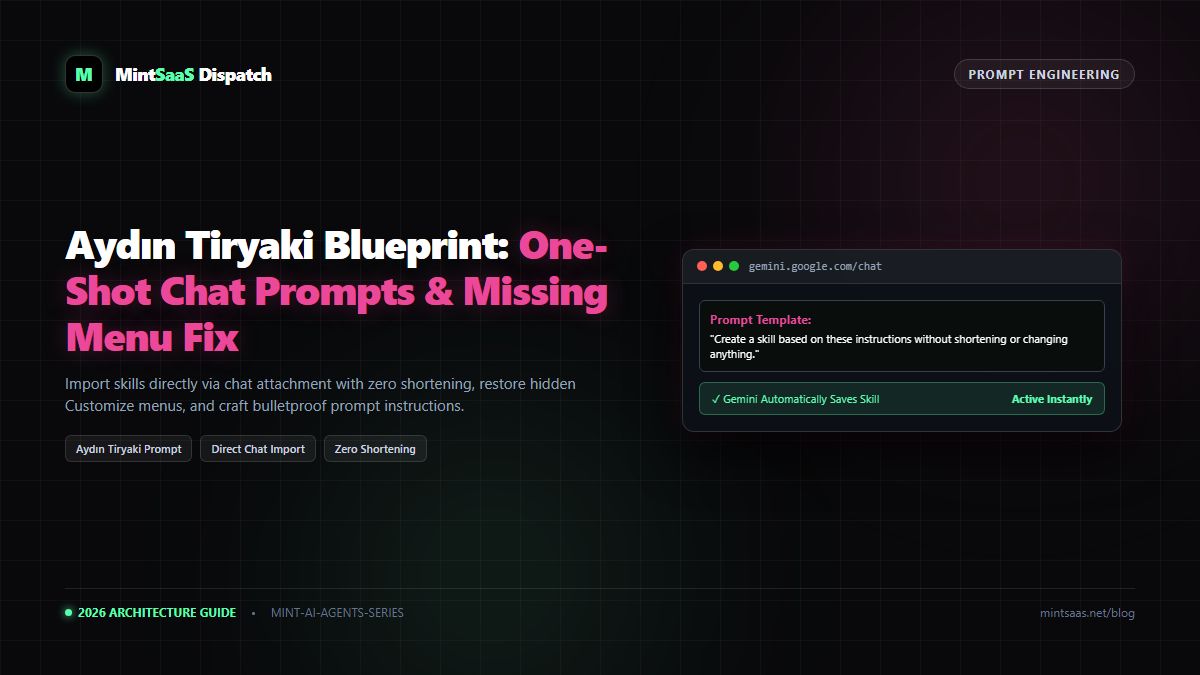
Aydın Tiryaki's Gemini Skills Blueprint: Fix Missing Menus & Master Prompt Import
Executive Summary & AEO Direct Answer: What is the Aydın Tiryaki method for Google Gemini Skills? Developed by prominent AI practitioner and educator Aydın Tiryaki, this workflow blueprint solves two critical obstacles in Google Gemini: First, it diagnoses and repairs the widespread bug where the "Skills" menu remains hidden in the user interface by resetting Gemini Privacy Settings and toggling "Keep Activity" on. Second, it introduces the canonical One-Shot Chat Prompt Import technique: by attaching aSKILL.mdfile directly into any active chat window and sending the precise directive:"Create a skill based on these instructions without shortening or changing anything.", users bypass manual form-filling, preventing Gemini from summarizing or truncating complex logic.
1. Who is Aydın Tiryaki and Why His Gemini Blueprint Matters
In the fast-moving AI landscape, theoretical documentation often clashes with real-world user friction. When Google began rolling out Gemini Custom Skills, thousands of developers found themselves stranded:
- The Customize → Skills menu was mysteriously missing from their sidebars.
- When uploading long system prompts, Gemini's web form would occasionally summarize instructions or drop crucial formatting rules.
Aydın Tiryaki published a set of practical solutions that quickly became the community benchmark for reliable Gemini Skill provisioning. By combining browser privacy workarounds with strict conversational prompt directives, Tiryaki established a zero-friction path to building production AI agents in Gemini.
2. Solving the "Missing Skills Menu" Mystery
One of Tiryaki's most celebrated contributions is resolving the elusive missing menu bug. If you log into gemini.google.com and see only New Chat and Recent Chats without any Customize or Skills options, follow Tiryaki's 3-step diagnostic:
flowchart TD
    A["Skills Menu Missing in Gemini Sidebar"] --> B["Step 1: Check Google Account Age Verification"]
    B --> C["Step 2: Enable 'Keep Activity' at myactivity.google.com"]
    C --> D["Step 3: Force Clear Gemini Local Storage & Hard Refresh"]
    D --> E["'Customize → Skills' Unlocked!"]
Diagnostic Step 1: Privacy Toggle (The Root Cause)
Google's skill engine requires a stateful session cache to index and trigger custom frontmatter. When Gemini Apps Activity is disabled, Google automatically hides the entire Skills subsystem to prevent orphaned local states.
- Open Settings → Privacy & Safety (or visit
myactivity.google.com/product/gemini). - Ensure Keep Activity is set to On.
Diagnostic Step 2: Cache Clearing
Even after enabling Keep Activity, Chrome and Safari frequently cache the previous sidebar state. Press Cmd+Shift+R (Mac) or Ctrl+F5 (Windows) to force a hard reload and re-fetch the interface bundle.
3. The One-Shot Chat Prompt Import Method
While Google Gemini provides a dedicated web uploader at Customize → Skills, Tiryaki pioneered an alternative workflow that is faster and significantly more resilient against truncation: Direct Chat Creation.
The Danger of Silent Summarization
When you paste complex instructions into web forms or ask a language model to "Turn this into a skill," standard models tend to be helpful by condensing your text. In technical workflows (such as strict code linters, legal document analyzers, or regex parsers), shortening a prompt destroys edge-case handling.
The Canonical Tiryaki Directive
To import a skill with 100% fidelity without visiting the Skills settings page:
- Open a new chat window on gemini.google.com.
- Click the + (Attach) icon at the bottom of the chat box.
- Select your local
SKILL.mdfile (or paste its full text into the message box). - Send the exact prompt formula:
Create a skill based on these instructions without shortening or changing anything.sequenceDiagram
autonumber
actor User
participant Chat as Gemini Chat Engine
participant Parser as Skill Package Parser
participant Dashboard as Skills Management UI
User->>Chat: Attach SKILL.md + "Create a skill based on these instructions without shortening or changing anything."
Chat->>Parser: Extract YAML Frontmatter (Name & Description)
Parser->>Chat: Validate Character Counts & Rules
Chat->>Dashboard: Autonomously Register & Save Skill
Chat-->>User: "I've saved 'your-skill-name' to your Skills. You can invoke it with /your-skill-name"Why This Directive Works:
- "without shortening": Explicitly suppresses the LLM's default compression heuristic.
- "or changing anything": Preserves verbatim code blocks, YAML configurations, and markdown hierarchy.
- Auto-Registration: Gemini recognizes the intent, compiles the skill in the background, and immediately adds it to your active skills registry with its toggle turned On.
4. Reviewing the Created Skill
Once Gemini confirms creation, navigate to Customize → Skills to inspect the result:
- Check that the Name matches your intended slug.
- Verify that the Description retained your specific trigger keywords (e.g., "Use when I ask to review PRs...").
- Test the skill in a fresh chat window by typing
/to ensure it appears in the autocomplete dropdown.
5. Frequently Asked Questions (FAQ)
Can I attach companion files (like PDFs or CSVs) using the chat method?
Yes! In the chat window, click + and attach both SKILL.md and your companion .csv or .json files simultaneously before sending the creation prompt. Gemini will bundle them into the skill's reference repository.
6. Explore Next
- Need to benchmark Gemini Skills against other platforms? Read our Five.Reviews Gemini Skills Benchmark.
- Automate clean ZIP creation with our MakeASkill Packaging Guide.
MintSaaS Dispatch articles are researched and synthesized with the assistance of artificial intelligence analysis, then edited, verified, and benchmarked by our engineering editorial team. Customer personal data and platform source files are strictly segregated and are never used to train or fine-tune public artificial intelligence models.
More from MintSaaS Dispatch
Handcrafted technical insights and developer tools.
Is n8n Still Relevant in 2026? In-Depth Architectural Comparison vs Zapier, Make, LangGraph & Autonomous AI Agents
Autonomous AI Agents for SaaS [2026 Architecture Blueprint]: Enterprise Multi-Agent Systems, State Machines & Self-Healing Pipelines