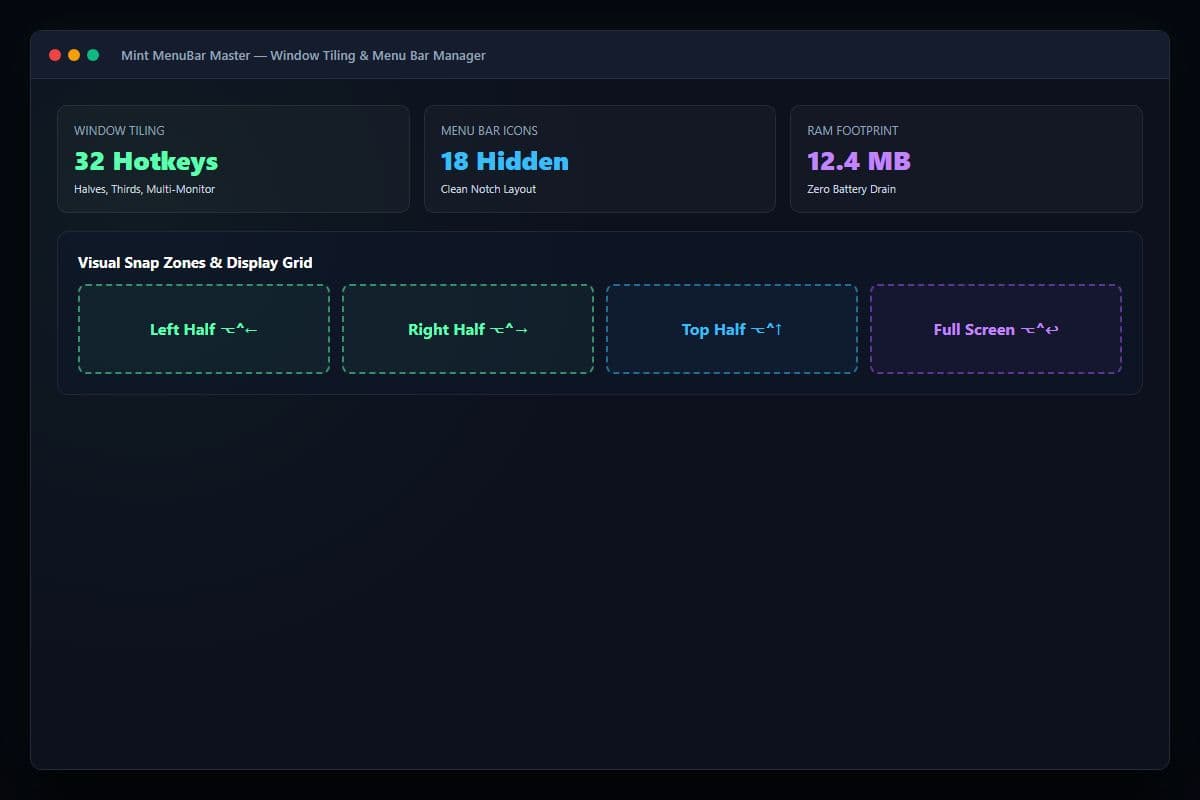
MenuBar Master: Collapsible tray, 32 tiling hotkeys, and hardware telemetry
Mint MenuBar Master
Organize your notched menu bar, snap windows with hotkeys, and monitor hardware without battery drain.
• Price includes all applicable GST. Zero surprise charges or hidden checkout fees.
• Perpetual licenses incur zero recurring fees. Subscriptions renew automatically each billing cycle and can be cancelled anytime with 1-click in your Account Dashboard with zero penalties.
About This Product
Ultra-fast window snapping, collapsible menu bar drawer, and real-time Apple Silicon hardware telemetry in an 8MB native binary.
The Challenge
MacBook notches cut off menu bar icons, and running separate tools for window snapping, menu bar hiding, and hardware monitoring consumes 500MB+ RAM and drains battery life.
How It Helps
Mint MenuBar Master replaces three heavy apps with a single 8MB native Swift binary: keyboard-first window tiling, smart menu bar icon hiding, and lightweight CPU/RAM telemetry.
- Immediate Delivery: Instant download link and license activation provided upon checkout.
- Single Mac Personal License: Full usage rights included with free maintenance updates.
- Compatibility: Engineered natively for macOS.
What's Included
Key features and tools included with your purchase of Mint MenuBar Master.
Keyboard-First Window Tiling
Snap windows into halves, thirds, quarters, or centered layouts using intuitive keyboard shortcuts or edge drag gestures.
Menu Bar Notch Optimizer
Tuck secondary menu bar items into a collapsible secondary tray, keeping your MacBook display clean and clutter-free.
Apple Silicon Hardware Telemetry
Monitor per-core CPU usage, unified memory pressure, and SSD thermal status using negligible background power.
Who Is This For?
Target workflows and teams that benefit most from Mint MenuBar Master.
MacBook Pro & Air Users
Eliminate hidden icons behind the camera notch with an expandable secondary drawer.
Multi-Taskers & Researchers
Tile browser research notes and editors side-by-side with instant keyboard shortcuts.
Frequently Asked Questions
8 FAQsHelpful answers about Mint MenuBar Master, licensing, system compatibility, and downloads.
Mint MenuBar Master Overview & Guide
Mint MenuBar Master is an independent mac & windows tools product available on the MintSaaS marketplace. Developed for modern professionals, engineers, and creators, it focuses on high utility, clean execution, and zero unnecessary software bloat.
Mint MenuBar Master replaces three heavy apps with a single 8MB native Swift binary: keyboard-first window tiling, smart menu bar icon hiding, and lightweight CPU/RAM telemetry.
Purchasing through MintSaaS includes immediate digital download fulfillment, verified installation assets, and perpetual licensing with free maintenance updates.
What is Mint MenuBar Master?
Ultra-fast window snapping, collapsible menu bar drawer, and real-time Apple Silicon hardware telemetry in an 8MB native binary.
What problem does Mint MenuBar Master solve?
MacBook notches cut off menu bar icons, and running separate tools for window snapping, menu bar hiding, and hardware monitoring consumes 500MB+ RAM and drains battery life.
How Mint MenuBar Master Works
Install & Grant Accessibility
Install the DMG and grant standard macOS Accessibility permissions for window management.
Customize Shortcuts & Layouts
Choose your favorite window snapping hotkeys and organize hidden menu bar icons.
Enjoy Seamless Productivity
Effortlessly tile windows across multi-monitor setups and keep your screen pristine.
System Requirements & Compatibility
Licensing & Delivery
Every license includes perpetual rights for the designated version with no hidden renewal charges. Upon checkout, your product files and license key are delivered instantly via email. We stand by our products with a 7-day refund window for verified technical defects or incompatibility.
Related Free Browser Tools
100% private, in-browser utilities without required registration or file uploads.
Online Image Compressor
Compress JPEG, PNG, and WebP images directly in your browser with zero server uploads.
Favicon & App Icon Generator
Generate multi-size .ico files, apple-touch-icons, and web manifest assets from any square image.
Batch Image Format Converter
Convert dozens of HEIC, PNG, WebP, and JPG files simultaneously with custom format controls.
More from MintSaaS
Explore other tools from our software catalog.
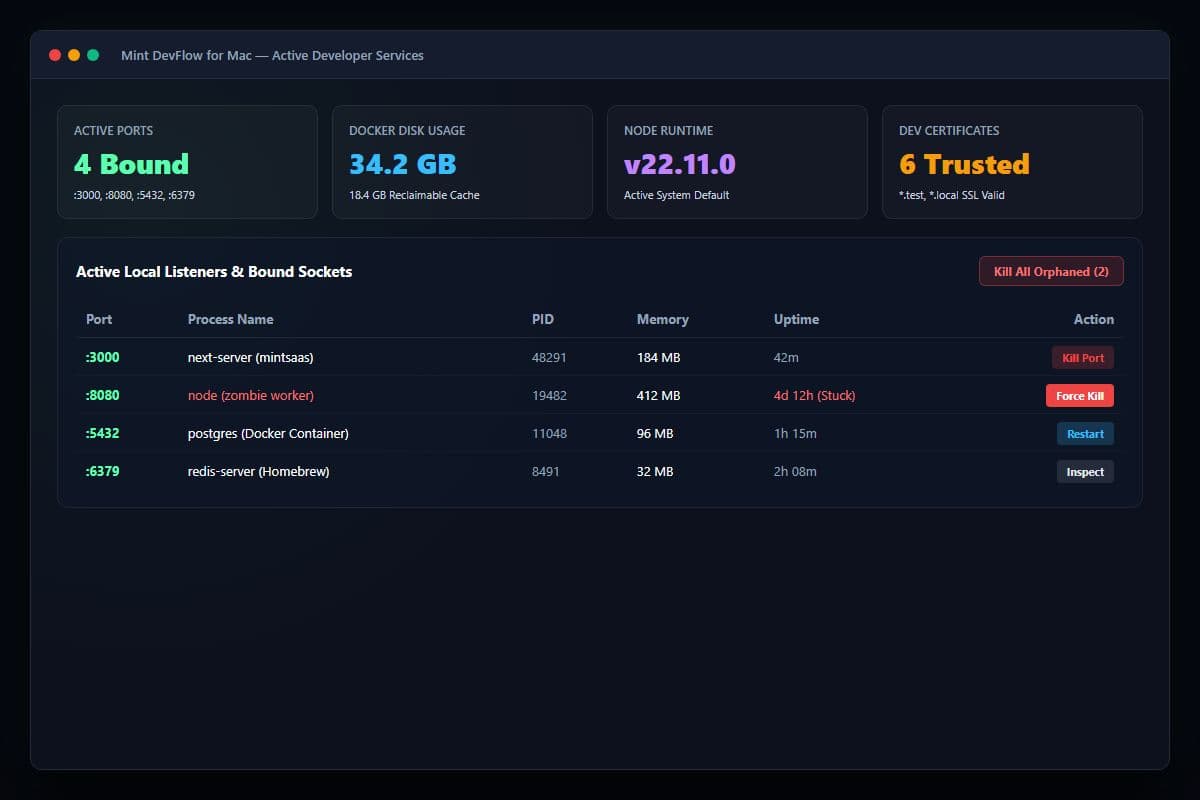
Mint DevFlow for Mac
A native macOS menu bar utility for software engineers to instantly kill stuck ports, reclaim Docker disk storage, toggle runtimes, and generate local SSL certs.
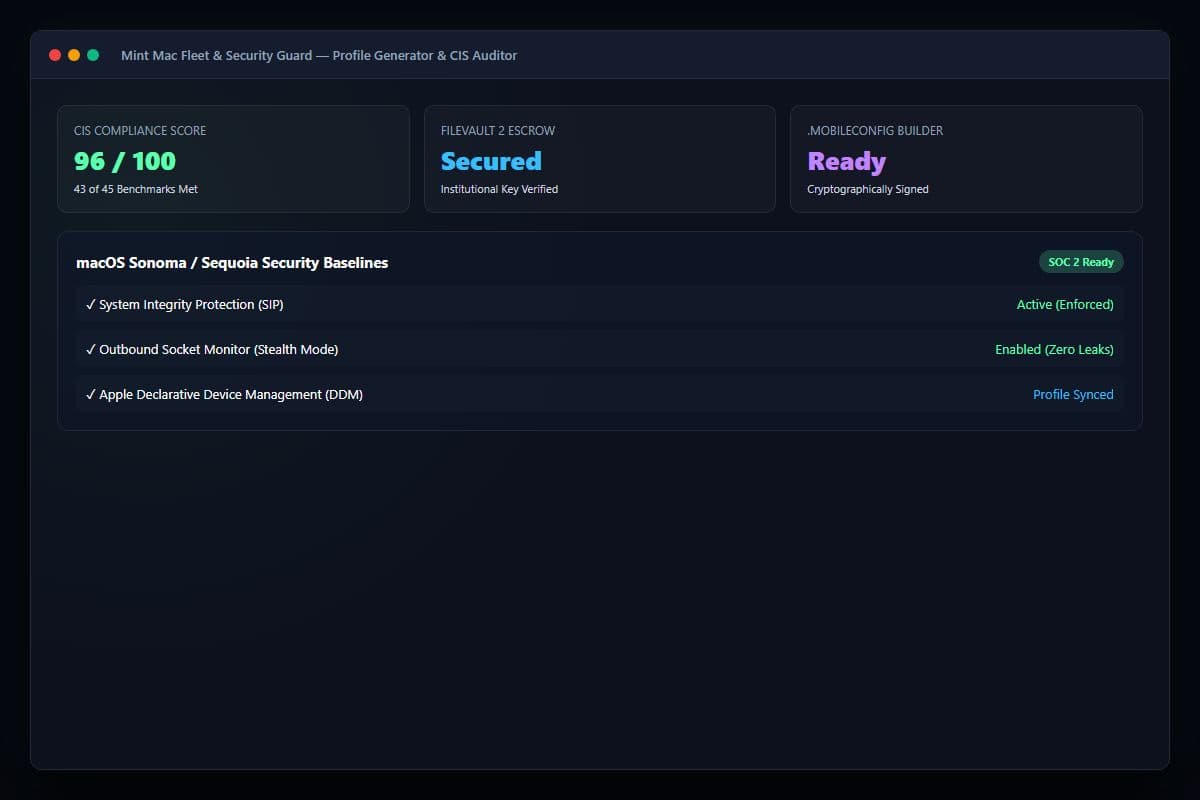
Mint Mac Fleet & Security Guard
Visual Apple .mobileconfig profile generator, FileVault 2 compliance auditor, and outbound socket inspector for growing Mac fleets.
Mint MenuBar Master
Organize your notched menu bar, snap windows with hotkeys, and monitor hardware without battery drain.