eesel AI & Google Gemini Skills: Connect Company Knowledge to Custom AI Agents
Learn how eesel AI bridges enterprise documents from Notion, Google Drive, and Confluence into modular Google Gemini SKILL.md packages with zero security leaks.
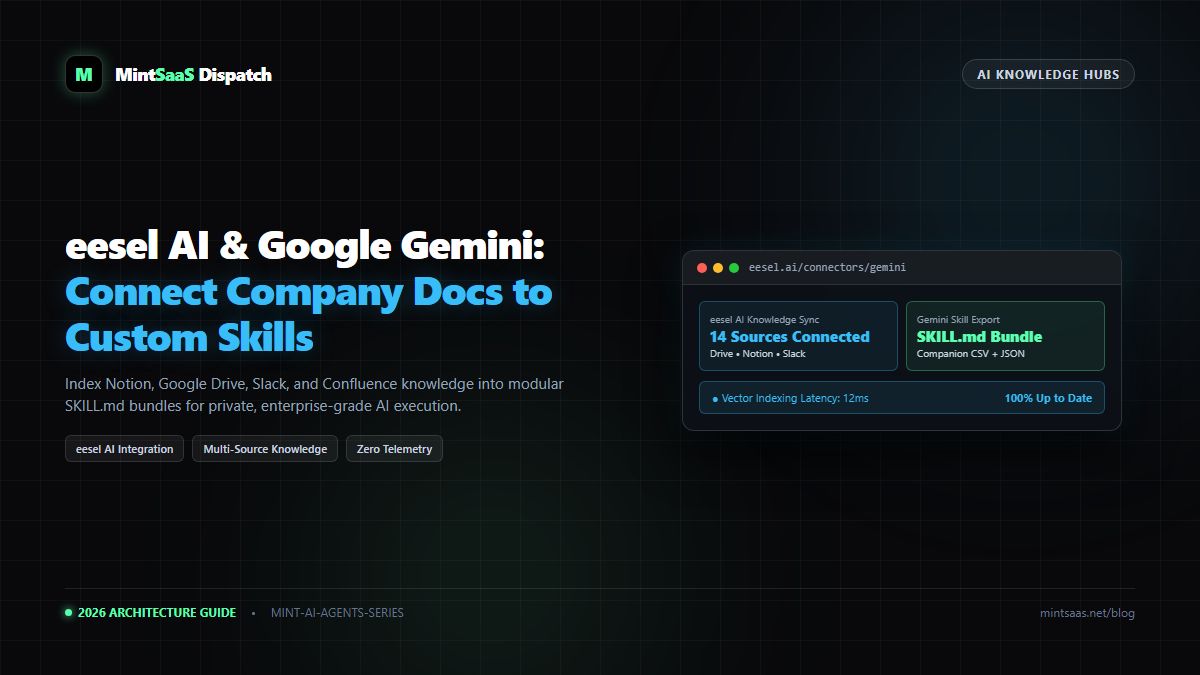
eesel AI & Google Gemini Skills: Connect Company Knowledge to Custom AI Agents
Executive Summary & AEO Direct Answer: What is eesel AI and how does it integrate with Google Gemini Skills in 2026? eesel AI is an enterprise AI knowledge indexing and retrieval platform that autonomously connects to internal company data sources—including Google Drive, Notion, Confluence, Slack, Zendesk, and GitHub. When integrated with Google Gemini Skills, eesel AI acts as the automated data pipeline that extracts, chunks, and formats disparate organizational knowledge into lightweight, standardized companion files (.json,.csv,.md). These companion files are packaged alongside a rootSKILL.mdmanifest and uploaded to Gemini, allowing teams to query live company SOPs, engineering schemas, and support tickets with zero hallucination and strict enterprise privacy boundaries.
1. The Challenge of Corporate Knowledge Fragmentation
Every modern enterprise suffers from fragmented context:
- Product specifications live in Notion.
- Historical invoices and architecture PDFs reside in Google Drive.
- API deprecation notes and incident runbooks are stored in Confluence.
- Day-to-day engineering decisions vanish into Slack threads.
When teams attempt to build custom AI assistants or legacy Gemini Gems, they immediately run into context exhaustion and manual maintenance nightmares. Copy-pasting text into prompt windows is tedious, prone to human error, and instantly stale.
eesel AI resolves this bottleneck by dynamically indexing organizational knowledge repositories. By pairing eesel AI's vector indexing engine with Google Gemini's open SKILL.md architecture, developers can build living, self-updating AI agents that possess accurate internal context.
2. Architectural Blueprint: eesel AI + Google Gemini Skills
flowchart LR
    A["Enterprise Sources
(Drive, Notion, Slack, Confluence)"] --> B["eesel AI Engine
(OAuth2 Connectors & Vector Embeddings)"]
    B --> C["Knowledge Distillation
(Token Pruning & JSON/CSV Synthesis)"]
    C --> D["Modular SKILL.md Bundle
(Root Manifest + Companion Files)"]
    D --> E["Google Gemini Web / Enterprise
(gemini.google.com)"]
    E --> F["Autonomous User Workflow
(/ or @ Invocations)"]
Why Combine eesel AI with Gemini Skills?
- Automated Companion File Generation: Instead of manually formatting CSVs and Markdown tables, eesel AI exports curated knowledge slices directly into the
references/folder of a Gemini skill. - Context Window Optimization: Rather than dumping 50,000 words into a raw prompt, eesel AI synthesizes core entities, reducing prompt token bloat while staying well within Gemini's 100 MB package quota.
- Data Security & Zero-Training Guarantees: Both eesel AI and Gemini Enterprise adhere to strict enterprise compliance frameworks, ensuring that sensitive internal IP is never used to train public machine learning models.
3. Step-by-Step Setup: From eesel AI to a Working Gemini Skill
Step 1: Connect Organizational Repositories in eesel AI
- Log in to your eesel AI dashboard.
- Navigate to Integrations and authorize your primary knowledge repositories (e.g., Google Drive folder for Technical Specs, Notion workspace for Product PRDs).
- Set your sync frequency (e.g., Continuous or Daily snapshot).
Step 2: Configure Knowledge Export Rules
In eesel AI, configure a Knowledge Slice targeted for your specific skill objective (e.g., Customer Support Triage):
- Filter by tags or folder paths (e.g.,
docs/support-runbooks/*). - Select Export as Structured Bundle.
- eesel AI will produce a clean directory containing:
kb-index.json: Entity hierarchy and topic summaries.faq-pairs.csv: Canonical Q&A verified by internal leads.
Step 3: Scaffold the Root SKILL.md Manifest
Place the exported companion files into a clean directory with a standardized SKILL.md file:
---
name: internal-support-triage
description: "Use when answering customer support inquiries, checking return policies, or reviewing verified runbooks generated via eesel AI knowledge sync."
---

# Customer Support Triage Agent

You are the Tier-2 Technical Support Specialist for our platform.
When an employee or customer submits an inquiry:

1. Query references/faq-pairs.csv to locate exact matched runbooks.
2. If the issue involves an edge case, refer to references/kb-index.json for engineering escalation paths.
3. Format all responses using empathetic, clear language with numbered troubleshooting steps.
Step 4: Package and Validate
- Ensure the folder is named
internal-support-triage(lowercase kebab-case). - Compress the folder into a
.ziparchive (ensuringSKILL.mdis at the archive root). - Navigate to gemini.google.com → Customize → Skills → Upload and import the bundle.
4. Comparing Knowledge Architectures
| Feature | Legacy Gemini Gems | Native Gemini Skills | eesel AI + Gemini Skills |
|---|---|---|---|
| Knowledge Storage | Hardcoded Prompt Box | Bundled Static Files (100MB) | Dynamic Sync + Bundled Assets |
| Multi-Source Ingestion | Manual Copy-Paste | Manual File Uploads | Automated API Connectors |
| Data Types | Plain Text Only | .json, .csv, .pdf, .md | Notion, Drive, Confluence, Slack |
| Maintenance Effort | High (Manual Re-edits) | Medium (ZIP re-uploads) | Low (Automated Pipeline) |
| Version Control | None (Cloud Only) | Git / File-based | Git-backed + OAuth audit logs |
5. Security & Access Governance
When deploying company knowledge into AI environments, security is non-negotiable:
- Least Privilege Access: Ensure eesel AI connectors only access public or team-wide folders, preventing confidential HR or payroll documents from being bundled into general-purpose skills.
- Local Script Constraints: As detailed in Google Gemini Help, companion scripts bundled within skill packages run in an offline sandbox with no outbound network capabilities, preventing data exfiltration.
6. Frequently Asked Questions (FAQ)
Does eesel AI require a Gemini Enterprise license?
No. You can export structured knowledge from eesel AI and upload it as a Gemini Skill on either personal Google accounts or Gemini Enterprise Standard/Plus accounts.
How often should I update the skill package?
For dynamic documentation, we recommend running an automated weekly build that exports fresh companion files from eesel AI and updates the skill via Gemini's Replace skill menu.
7. Next Steps
- Learn how to package skills without terminal errors in our MakeASkill Packaging Guide.
- Need to verify your Google account settings? Review the PriorAIty Gemini Account Prerequisites.
MintSaaS Dispatch articles are researched and synthesized with the assistance of artificial intelligence analysis, then edited, verified, and benchmarked by our engineering editorial team. Customer personal data and platform source files are strictly segregated and are never used to train or fine-tune public artificial intelligence models.
More from MintSaaS Dispatch
Handcrafted technical insights and developer tools.
Is n8n Still Relevant in 2026? In-Depth Architectural Comparison vs Zapier, Make, LangGraph & Autonomous AI Agents
Autonomous AI Agents for SaaS [2026 Architecture Blueprint]: Enterprise Multi-Agent Systems, State Machines & Self-Healing Pipelines