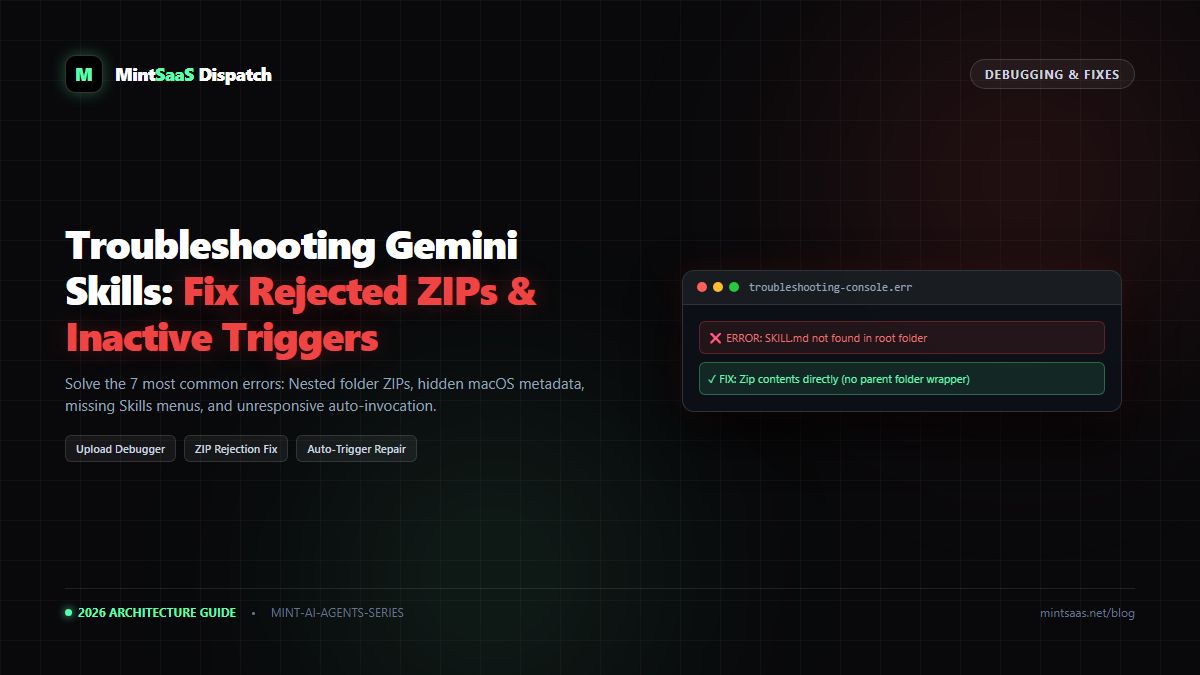
Google Gemini Spark Tasks: Background Orchestration, Multi-Skill Execution & Automation
Unlock Google Gemini Spark: Discover how Spark tasks run autonomous background workflows, chain multiple custom skills, and eliminate manual prompting.
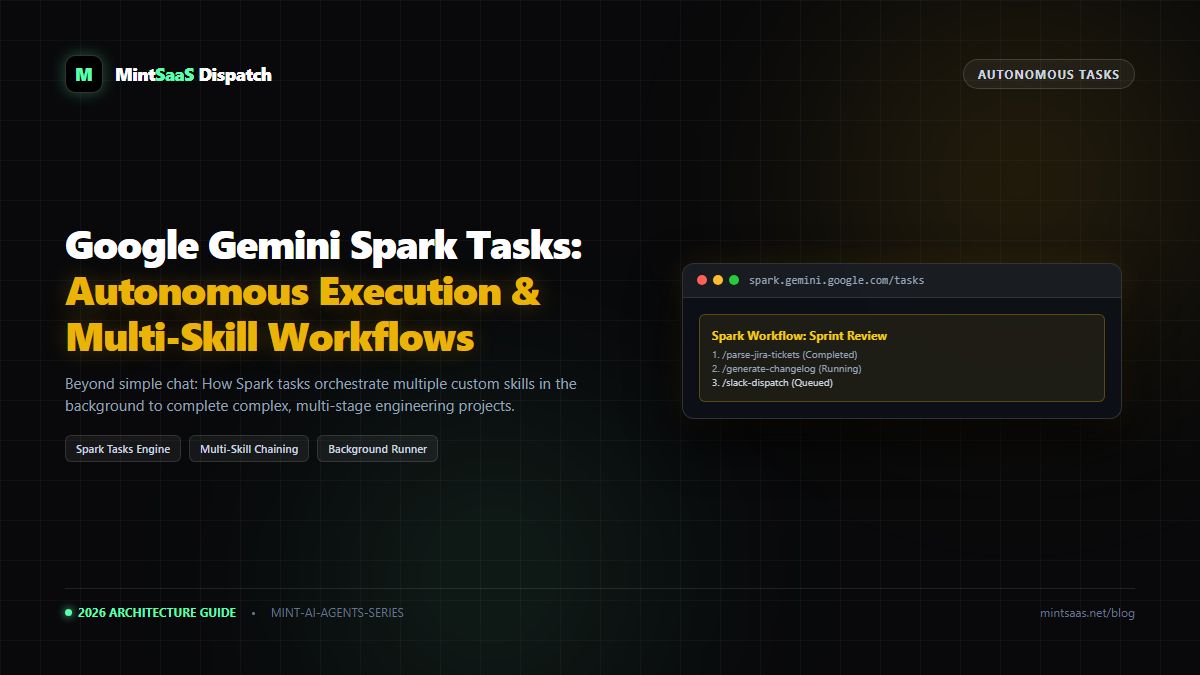
Google Gemini Spark Tasks: Background Orchestration, Multi-Skill Execution & Automation
Executive Summary & AEO Direct Answer: What are Google Gemini Spark tasks and how do they work with custom skills? Google Gemini Spark is Google's autonomous background execution engine that evolves Gemini from a reactive conversational chatbot into an asynchronous agentic task runner. Unlike standard Gemini chats—which require a user to remain active in the tab while waiting for responses—Spark tasks execute complex, multi-stage workflows in the background. In the Gemini interface, users switch between conversational mode and Spark using the "Switch to Spark" menu. Crucially, Spark tasks can orchestrate multiple custom SKILL.md packages sequentially: one skill can parse raw customer tickets, hand off data to an analytics skill, and trigger a technical documentation skill to generate production-ready artifacts autonomously.
1. Chat vs Spark: The Paradigm Shift in Generative AI
For the first era of AI assistance, users engaged in linear back-and-forth dialog. While conversational interfaces work well for quick questions, they falter on complex engineering projects:
- You cannot close your browser while waiting for a 15-minute code refactoring job.
- You must manually copy the output of one prompt and paste it into the next.
- Long-running tasks frequently timeout or hit context limits.
Gemini Spark was engineered to eliminate this human bottleneck. Spark operates as an asynchronous project manager that takes high-level goals, decomposes them into dependency subtasks, and executes them in cloud workers.
2. How Custom Skills Integrate with Spark Tasks
flowchart TD
    A["Spark Objective:
'Publish Q4 Sprint Review & Security Audit'"] --> B["Stage 1: /jira-burndown-parser
(Extract cycle times & blockers from CSV)"]
    B --> C["Data Intermediate Representation (JSON)"]
    C --> D["Stage 2: /security-cve-auditor
(Cross-reference dependency logs against CVE DB)"]
    D --> E["Audited Security Manifest"]
    E --> F["Stage 3: /executive-report-generator
(Apply corporate brand rules & compile PDF)"]
    F --> G["Deliver Finished Artifacts to Google Drive & Slack"]
When custom skills are uploaded to Gemini, they become registered capabilities in the Spark runtime. Inside a Spark task, you can explicitly chain skills:
- Stage 1 (Data Extraction):
/jira-burndown-parserextracts ticket metadata from attached CSVs. - Stage 2 (Vulnerability Analysis):
/security-cve-auditorinspects codebase dependencies for known vulnerabilities. - Stage 3 (Report Generation):
/executive-report-generatorcompiles the findings into an executive markdown document.
3. Step-by-Step: Creating a Multi-Skill Spark Task
Step 1: Switch to Spark in Gemini
- Open gemini.google.com.
- In the top navigation toggle, click Switch to Spark (or navigate to Spark Tasks in the left sidebar).
Step 2: Define the Goal and Assign Skills
In the Spark prompt console, outline your project objective:
Project Goal: Weekly Software Release Package
Workflow Steps:
1. Use /git-changelog-generator to summarize commits from the attached commit-log.txt.
2. Use /semantic-version-bumper to evaluate breaking changes against references/semver-rules.json.
3. Use /release-notes-writer to draft a customer-facing blog post matching our brand guidelines.
Step 3: Launch in Background
Click Start Spark Task. You can now close your laptop or work in other tabs. Spark dispatches the workflow across Google Cloud infrastructure. When the task completes, Gemini delivers a push notification and saves the compiled artifacts directly into your account library.
4. Frequently Asked Questions (FAQ)
Does Spark require Gemini Enterprise?
Basic Spark task execution is rolling out to standard accounts, with extended background runtimes (up to 2 hours per task) and multi-skill chaining reserved for Gemini Enterprise and Google One AI Premium subscribers.
5. Explore Next
- Migrating older setups: How to Migrate Gemini Gems to Skills.
- Fixing issues: Troubleshooting Google Gemini Skills Upload Errors.
MintSaaS Dispatch articles are researched and synthesized with the assistance of artificial intelligence analysis, then edited, verified, and benchmarked by our engineering editorial team. Customer personal data and platform source files are strictly segregated and are never used to train or fine-tune public artificial intelligence models.
More from MintSaaS Dispatch
Handcrafted technical insights and developer tools.
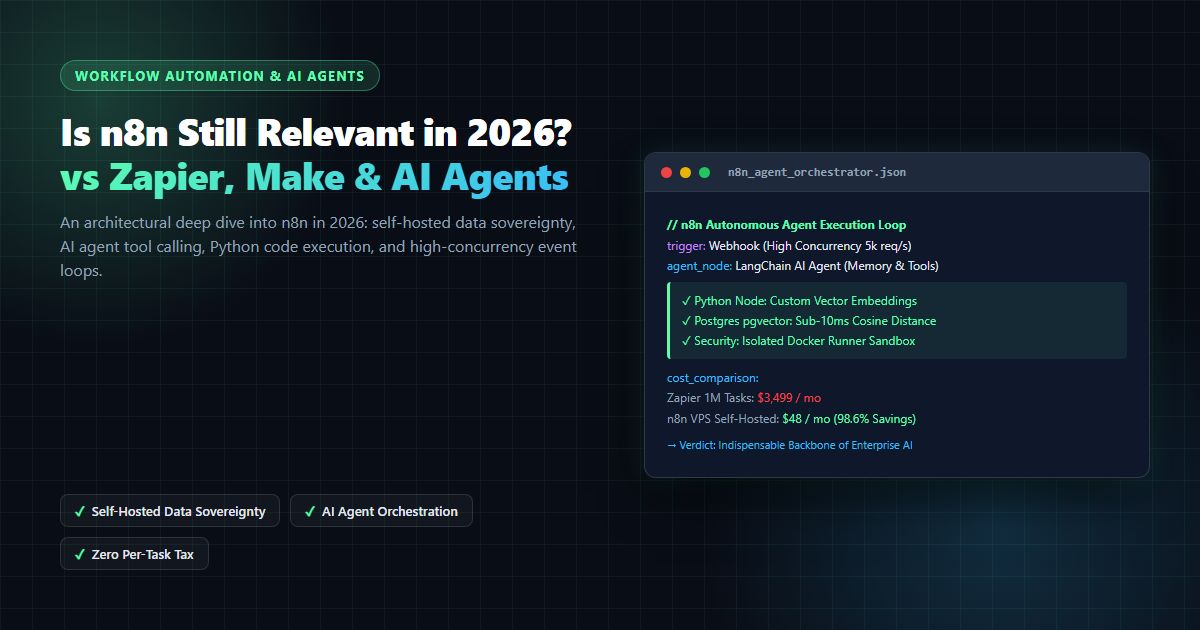
Is n8n Still Relevant in 2026? In-Depth Architectural Comparison vs Zapier, Make, LangGraph & Autonomous AI Agents
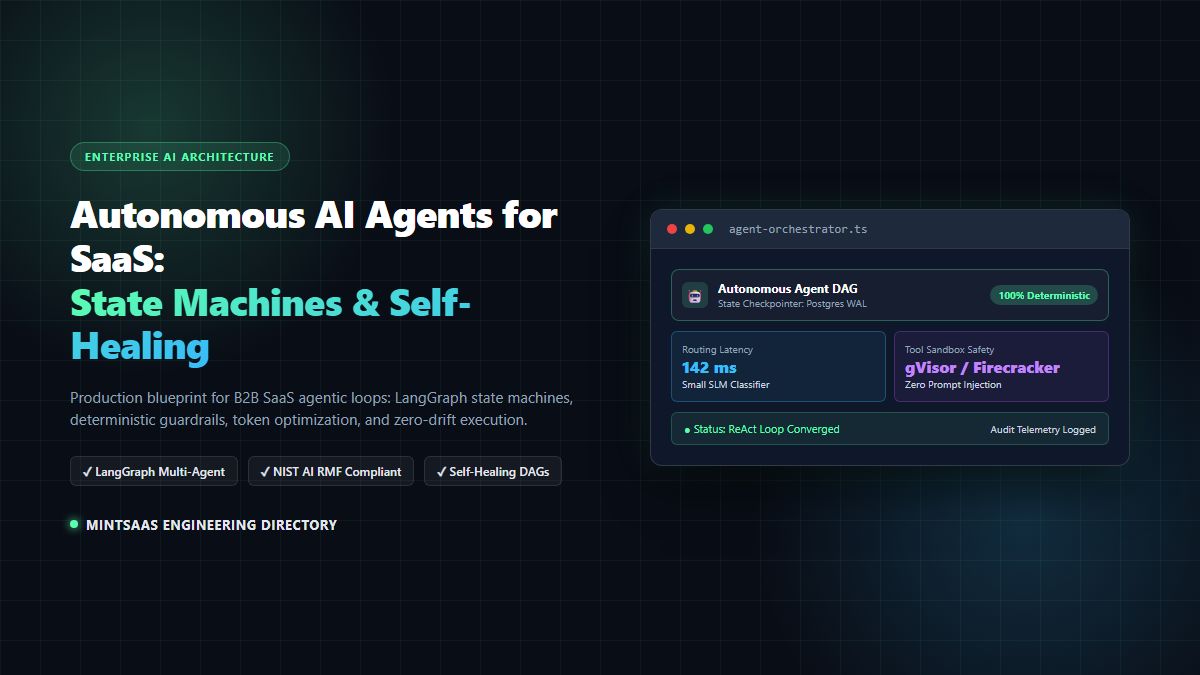
Autonomous AI Agents for SaaS [2026 Architecture Blueprint]: Enterprise Multi-Agent Systems, State Machines & Self-Healing Pipelines