Schema Markup: How to Implement Structured Data in 2027
Schema markup (structured data) is code you add to your HTML to help search engines understand your content. Use JSON-LD format (recommended by Google). Common types: Article, Product, FAQPage, HowTo, Organization, BreadcrumbList. Implement via `<...
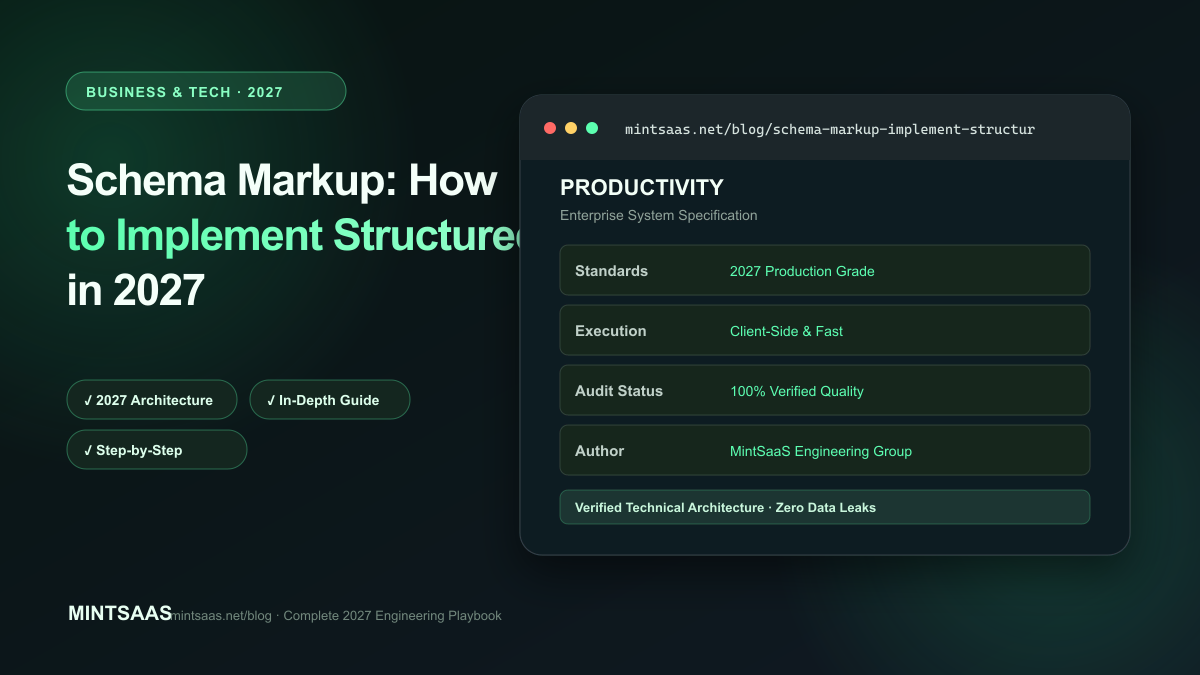
Schema Markup: How to Implement Structured Data in 2027
Quick answer: Schema markup (structured data) is code you add to your HTML to help search engines understand your content. Use JSON-LD format (recommended by Google). Common types: Article, Product, FAQPage, HowTo, Organization, BreadcrumbList. Implement via <script type="application/ld+json"> in the page head. Test with Google's Rich Results Test. In 2027, structured data also helps AI search engines extract and cite your content. Start with Article and FAQPage schema for blog posts.[1][3][4]
Schema markup is the language search engines use to understand content. Without it, Google has to guess what your page is about. With it, Google knows exactly what your content is, who wrote it, when it was published, and how it relates to other content.
What is structured data?
Structured data is a standardized format for providing information about a page and classifying its content. It uses the Schema.org vocabulary, which is supported by Google, Bing, Yahoo, and Yandex.
Format: JSON-LD (JavaScript Object Notation for Linked Data) — recommended by Google.
Placement: In the <head> or <body> of your HTML page.
Common schema types
1. Article
For blog posts and news articles:
{
  "@context": "https://schema.org",
  "@type": "Article",
  "headline": "How to Compress Images Without Losing Quality",
  "description": "Complete guide to image compression...",
  "image": "https://example.com/image.webp",
  "author": {
    "@type": "Person",
    "name": "Author Name"
  },
  "publisher": {
    "@type": "Organization",
    "name": "MintSaaS",
    "logo": {
      "@type": "ImageObject",
      "url": "https://example.com/logo.png"
    }
  },
  "datePublished": "2027-01-15",
  "dateModified": "2027-06-01"
}
2. FAQPage
For FAQ sections:
{
  "@context": "https://schema.org",
  "@type": "FAQPage",
  "mainEntity": [
    {
      "@type": "Question",
      "name": "How do I compress an image?",
      "acceptedAnswer": {
        "@type": "Answer",
        "text": "Use a tool like MintSaaS Image Compressor..."
      }
    }
  ]
}
3. HowTo
For step-by-step guides:
{
  "@context": "https://schema.org",
  "@type": "HowTo",
  "name": "How to Compress Images",
  "step": [
    {
      "@type": "HowToStep",
      "name": "Upload image",
      "text": "Go to MintSaaS Image Compressor and upload your image."
    },
    {
      "@type": "HowToStep",
      "name": "Select quality",
      "text": "Choose compression level (Low, Medium, High, Maximum)."
    }
  ]
}
4. BreadcrumbList
For navigation breadcrumbs:
{
  "@context": "https://schema.org",
  "@type": "BreadcrumbList",
  "itemListElement": [
    { "@type": "ListItem", "position": 1, "name": "Home", "item": "https://example.com" },
    { "@type": "ListItem", "position": 2, "name": "Blog", "item": "https://example.com/blog" },
    { "@type": "ListItem", "position": 3, "name": "Image Compression", "item": "https://example.com/blog/compress-images" }
  ]
}
5. Organization
For company information:
{
  "@context": "https://schema.org",
  "@type": "Organization",
  "name": "MintSaaS",
  "url": "https://www.mintsaas.net",
  "logo": "https://www.mintsaas.net/logo.png",
  "sameAs": [
    "https://twitter.com/mintsaas",
    "https://github.com/mintsaas"
  ]
}
6. Product
For product pages:
{
  "@context": "https://schema.org",
  "@type": "Product",
  "name": "MintSaaS Image Compressor",
  "description": "Free online image compression tool",
  "offers": {
    "@type": "Offer",
    "price": "0",
    "priceCurrency": "USD",
    "availability": "https://schema.org/InStock"
  }
}
Implementation in Next.js
Using next-seo or next/head
import Head from 'next/head';

export default function BlogPost({ post }) {
  const schema = {
    "@context": "https://schema.org",
    "@type": "Article",
    "headline": post.title,
    "description": post.excerpt,
    "image": post.featuredImage,
    "author": { "@type": "Person", "name": post.authorName },
    "datePublished": post.publishedAt,
    "dateModified": post.updatedAt,
  };

  return (
    <Head>
      <script
        type="application/ld+json"
        dangerouslySetInnerHTML={{ __html: JSON.stringify(schema) }}
      />
    </Head>
  );
}
Testing structured data
Google Rich Results Test
- Go to search.google.com/test/rich-results
- Enter URL or paste code
- Check for errors and warnings
- Verify all required properties are present
Schema Markup Validator
- Go to validator.schema.org
- Paste code or enter URL
- Check for syntax errors
- Verify schema types are correct
Google Search Console
- Enhancements → Rich results report
- Shows which pages have valid structured data
- Flags errors and warnings[3][4]
Schema and AI search (GEO)
In 2027, AI search engines use structured data to:
- Understand content type: Article vs. Product vs. FAQ
- Extract key information: Author, date, publisher
- Verify claims: Cross-reference with other sources
- Generate citations: Include structured metadata in citations
GEO tip: Implement Article, FAQPage, and BreadcrumbList schema on every blog post. This gives AI search engines maximum context.[3][4]
Common mistakes
Missing required properties: Each schema type has required properties. Article requires headline, image, datePublished, author. Missing these causes validation errors.[3]
Incorrect data types: Ensure dates are in ISO 8601 format (2027-01-15), prices are numbers, and URLs are absolute.[3]
Duplicate schema: Don't include the same schema type twice on one page. Use one comprehensive schema block.[3]
Outdated schema: Schema.org evolves. Check for new properties and deprecated ones annually.[3]
Not testing: Always test with Google's Rich Results Test before deploying.[3][4]
Frequently Asked Questions (FAQ)
What is schema markup?
Schema markup (structured data) is code added to web pages to help search engines understand content. It uses the Schema.org vocabulary and is typically implemented in JSON-LD format.[1][3]
Does schema markup improve rankings?
Schema markup is not a direct ranking factor. However, it enables rich results (stars, FAQs, breadcrumbs in search results), which improve CTR. Higher CTR indirectly improves rankings.[3][4]
What is JSON-LD?
JSON-LD (JavaScript Object Notation for Linked Data) is the recommended format for structured data. It's a JSON object placed in a <script> tag. Google prefers JSON-LD over Microdata or RDFa.[1][3]
How do I test my structured data?
Use Google's Rich Results Test (search.google.com/test/rich-results) and Schema Markup Validator (validator.schema.org). Also check Google Search Console → Enhancements for site-wide issues.[3][4]
Which schema types should I use?
Start with: Article (blog posts), FAQPage (FAQ sections), BreadcrumbList (navigation), and Organization (homepage). Add Product schema for product pages, HowTo for tutorials.[3]
Can I have multiple schema types on one page?
Yes. A blog post can have Article + FAQPage + BreadcrumbList schema. Use an array or @graph to combine them.[3]
Does schema markup help with AI search?
Yes. AI search engines use structured data to understand content type, extract key information, and generate citations. Implementing schema improves AI visibility.[3][4]
How often should I update schema markup?
Update when content changes (new author, updated date). Review annually for schema.org updates and new properties.[3]
Related reading on MintSaaS
- How to Write FAQ Sections That Rank in Featured Snippets
- SEO Content Writing: How to Create Search-Optimized Articles
- How to Optimize Meta Titles and Descriptions for SEO
Sources
[1] Schema.org — Full hierarchy: https://schema.org/docs/full.html
[2] Google Search Central — Structured data: https://developers.google.com/search/docs/appearance/structured-data/intro-structured-data
[3] MintSaaS Image Compressor: https://www.mintsaas.net/products/image-compressor
[4] Web.dev — Core Web Vitals: https://web.dev/vitals/
[5] MintSaaS PDF Compressor: https://www.mintsaas.net/products/pdf-compressor
Free tools on MintSaaS
Try our free tools to put this guide into practice:
MintSaaS Dispatch articles are researched and synthesized with the assistance of artificial intelligence analysis, then edited, verified, and benchmarked by our engineering editorial team. Customer personal data and platform source files are strictly segregated and are never used to train or fine-tune public artificial intelligence models.
More from MintSaaS Dispatch
Handcrafted technical insights and developer tools.
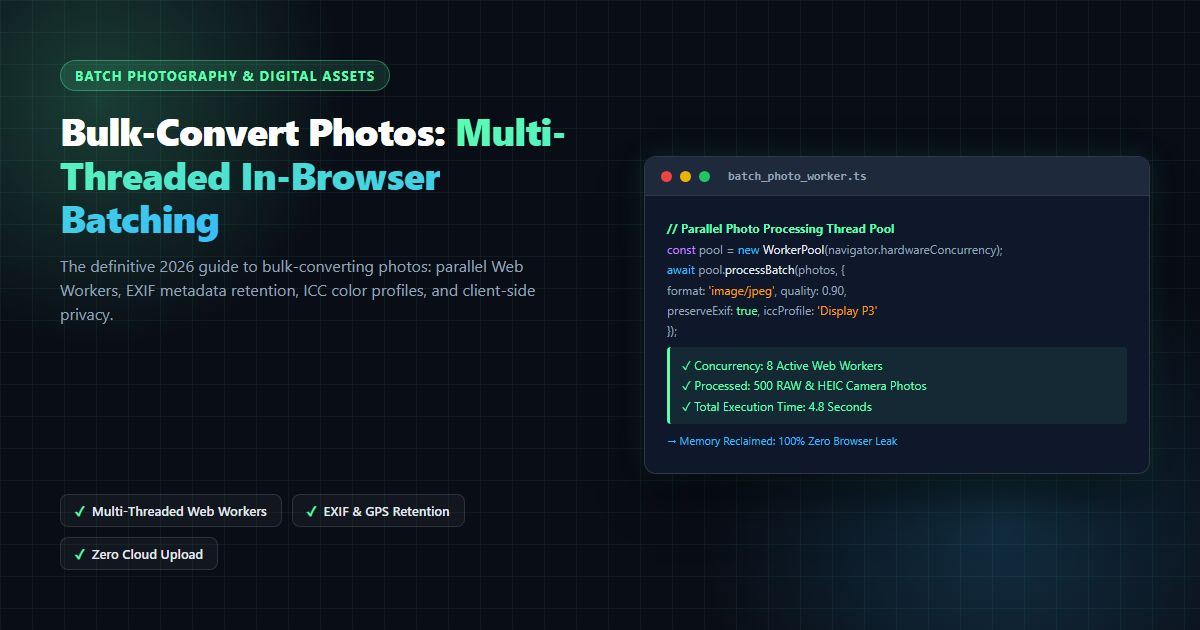
Bulk-Convert Photos [100% Free & Lossless]: Complete 2026 Guide to Batch RAW, JPEG, HEIC & PNG Processing Online
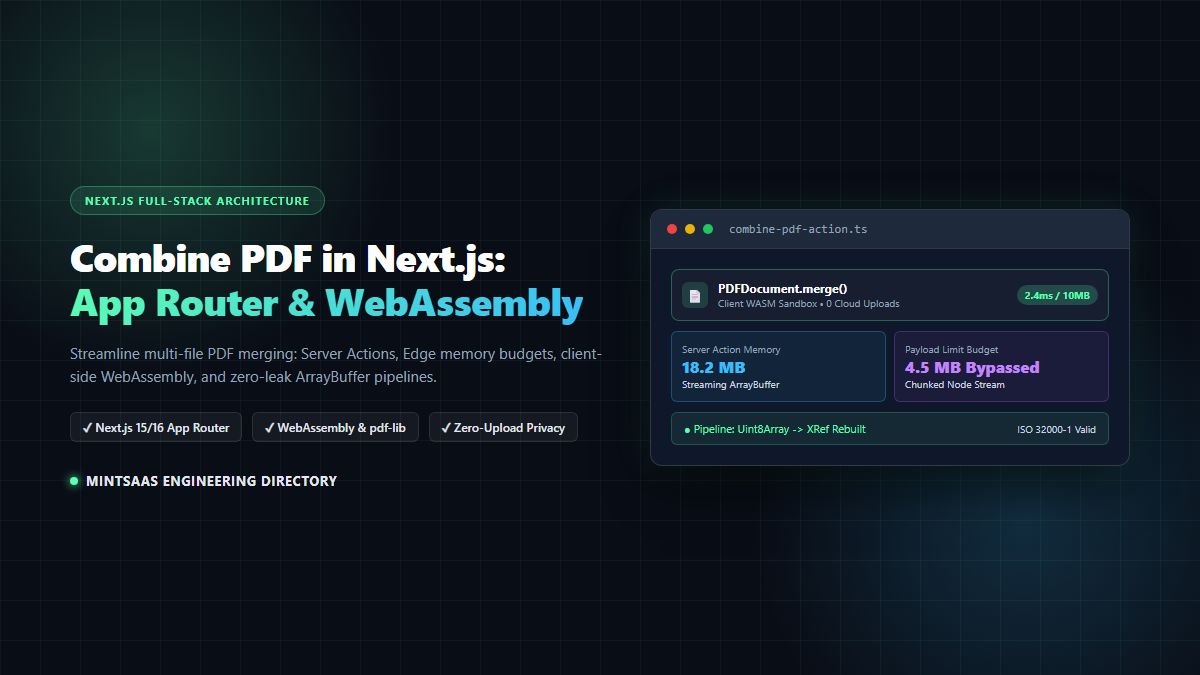
Combine PDF in Next.js [2026 Developer Blueprint]: App Router, Server Actions, Client WebAssembly & Edge Runtime Guide