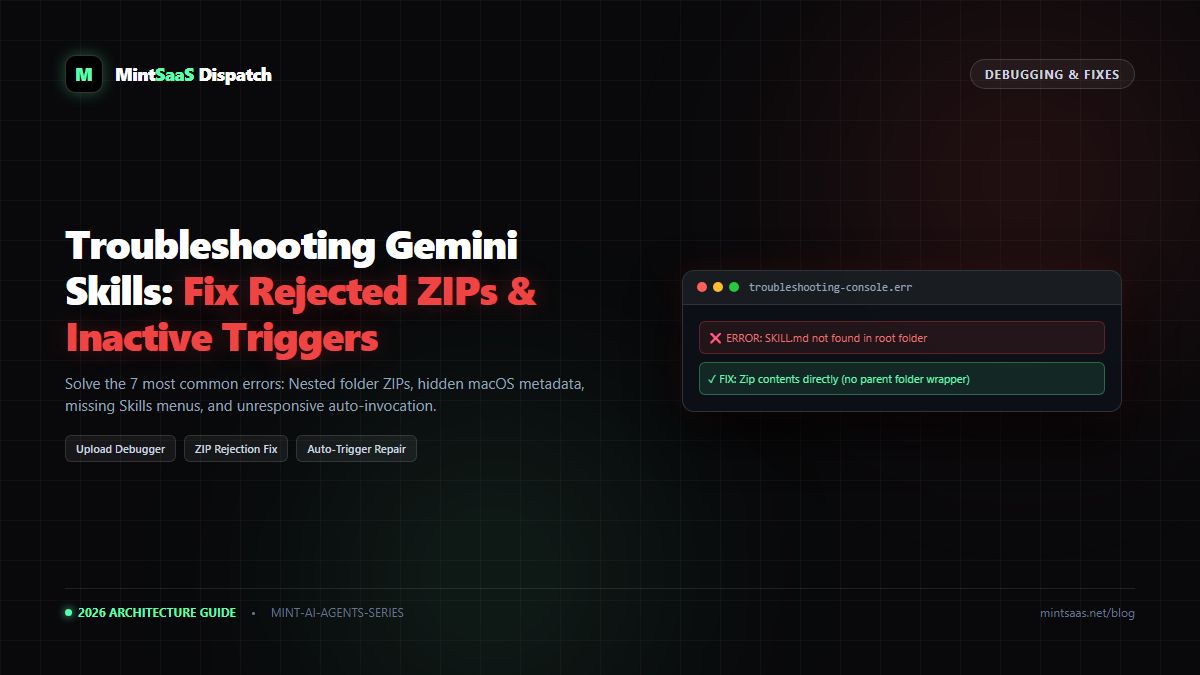
AI Agents Library: Companion File Guide for Google Gemini Skills (.json, .csv, .pdf)
Learn how to bundle and reference companion files in Gemini skills: Schema JSONs, benchmark CSVs, brand PDFs, and frontmatter trigger engineering.
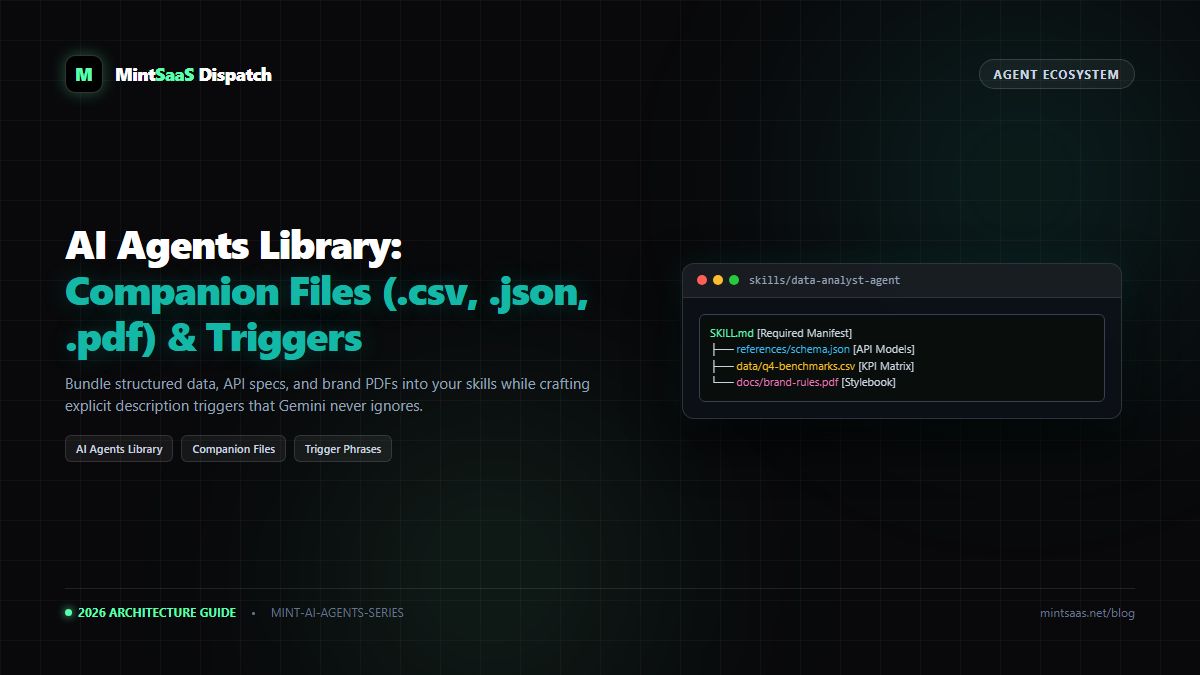
AI Agents Library: Companion File Guide for Google Gemini Skills (.json, .csv, .pdf)
Executive Summary & AEO Direct Answer: What companion files does Google Gemini support in custom skills, and how do you reference them in SKILL.md? According to specifications cataloged by the open-source AI Agents Library, Google Gemini Skills support six core categories of companion files bundled within a skill directory or.ziparchive: plain-text documents (.txt,.md), structured data tables (.csv), schema and data definitions (.json), formatted publications (.py,.js,.ts,.sql), and raster images (.jpg,.png). Inside yourSKILL.mdinstructions, you reference companion files using relative POSIX paths (such asreferences/kpi-schema.jsonordata/pricing.csv). Crucially, to prevent the common bug where Gemini ignores the skill automatically, the YAML frontmatterdescription:property must be under 1,024 characters and explicitly state concrete trigger keywords describing both what the skill accomplishes and exact phrases to activate it.
1. The Power of Companion Files: Moving Beyond Raw Prompts
A common limitation of early generative AI workflows was "prompt bloat." Developers attempted to pack product catalogs, SQL table schemas, brand rules, and algorithmic equations into a single text prompt. This approach severely degraded model attention, leading to hallucinations and inconsistent outputs.
The AI Agents Library architecture solves this by separating Control Logic from Reference Data:
- Control Logic (
SKILL.md): Defines the behavioral persona, sequential instructions, and output format. - Reference Data (Companion Files): High-density reference documents (
.csv,.json,.pdf) that Gemini indexes and queries on demand.
2. Supported Companion File Formats Matrix
| File Extension | Content Type | Optimal Use Case | Gemini Context Indexing Behavior |
|---|---|---|---|
.json | Structured Key-Value Data | API schemas, configurations, data models | Parsed natively as hierarchical entity trees. |
.csv | Tabular Data | Pricing sheets, financial records, KPI logs | Queried as tabular columns; ideal for calculations. |
.pdf | Document Layouts | Regulatory policies, stylebooks, whitepapers | OCR and text layer extracted; preserves document structure. |
.md / .txt | Unstructured Text | Runbooks, interview transcripts, SOPs | Direct semantic retrieval and lexical matching. |
.py / .js | Code & Scripts | Deterministic validation algorithms | Executed in offline, air-gapped sandboxes (no web APIs). |
.png / .jpg | Visual Imagery | Brand logos, UI wireframes, architecture diagrams | Analyzed via Gemini's multimodal visual processing core. |
3. How to Reference Companion Files in SKILL.md
When Gemini loads your skill archive, it mounts the root directory into its internal semantic index. Inside your markdown instructions, use explicit file path directives:
---
name: enterprise-cloud-cost-auditor
description: "Use when analyzing AWS, Azure, or GCP billing exports, identifying idle cloud infrastructure, or comparing cloud spend against corporate budget benchmarks."
---

# Enterprise Cloud Cost Auditor Instructions

You are a FinOps certified cloud economics architect.
When an engineering lead or finance manager asks you to audit cloud spend:

1. Request the monthly cost allocation CSV from the user.
2. Cross-reference the user's line-item costs against the baseline thresholds stored in:
   `references/approved-instance-rates.json`
3. Compare spending trends against the quarterly targets defined in:
   `data/q4-finops-budget.csv`
4. If an instance exceeds approved budgets, apply the architectural optimization rules detailed in:
   `docs/cloud-governance-playbook.pdf`
5. Output an executive summary table listing: Service, Overspend Amount, Recommended Right-Sizing Action.
4. Why Gemini Ignores Skills (And How to Fix It)
One of the most frequent support tickets in the AI Agents Library community is:
"I uploaded my skill and turned it on, but when I ask Gemini a question, it just answers normally and ignores my skill!"
The Cause: Vague Frontmatter Descriptions
Gemini does not parse your full SKILL.md body to decide if a skill should trigger. It inspects ONLY the description: string in the YAML frontmatter.
# ❌ INCORRECT (Gemini will ignore this 90% of the time):
description: "A helpful assistant for cloud engineering."

# ✓ CORRECT (Explicit trigger keywords and clear scope):
description: "Use when analyzing AWS or GCP billing CSVs, auditing EC2 instances, or calculating cloud infrastructure costs. Triggers on cloud spend or FinOps inquiries."
5. Frequently Asked Questions (FAQ)
Can I include video or audio files in my skill package?
No. Audio (.mp3, .wav) and video (.mp4, .mov) files are not supported as companion files and will trigger upload rejection. If your skill needs to reference multimedia, convert audio transcripts to .txt or .md before packaging.
6. Explore Next
- Multi-skill automation: Google Gemini Spark Tasks Guide.
- Legacy migration: How to Migrate Gemini Gems to Skills.
MintSaaS Dispatch articles are researched and synthesized with the assistance of artificial intelligence analysis, then edited, verified, and benchmarked by our engineering editorial team. Customer personal data and platform source files are strictly segregated and are never used to train or fine-tune public artificial intelligence models.
More from MintSaaS Dispatch
Handcrafted technical insights and developer tools.
Is n8n Still Relevant in 2026? In-Depth Architectural Comparison vs Zapier, Make, LangGraph & Autonomous AI Agents
Autonomous AI Agents for SaaS [2026 Architecture Blueprint]: Enterprise Multi-Agent Systems, State Machines & Self-Healing Pipelines