Gemini Enterprise Docs: Deploying & Governing Custom Skills Across Workspace Fleets
Enterprise governance guide based on Gemini Enterprise Docs: Standard vs Plus editions, Frontline constraints, admin console deployment, and SOC 2 data protection.
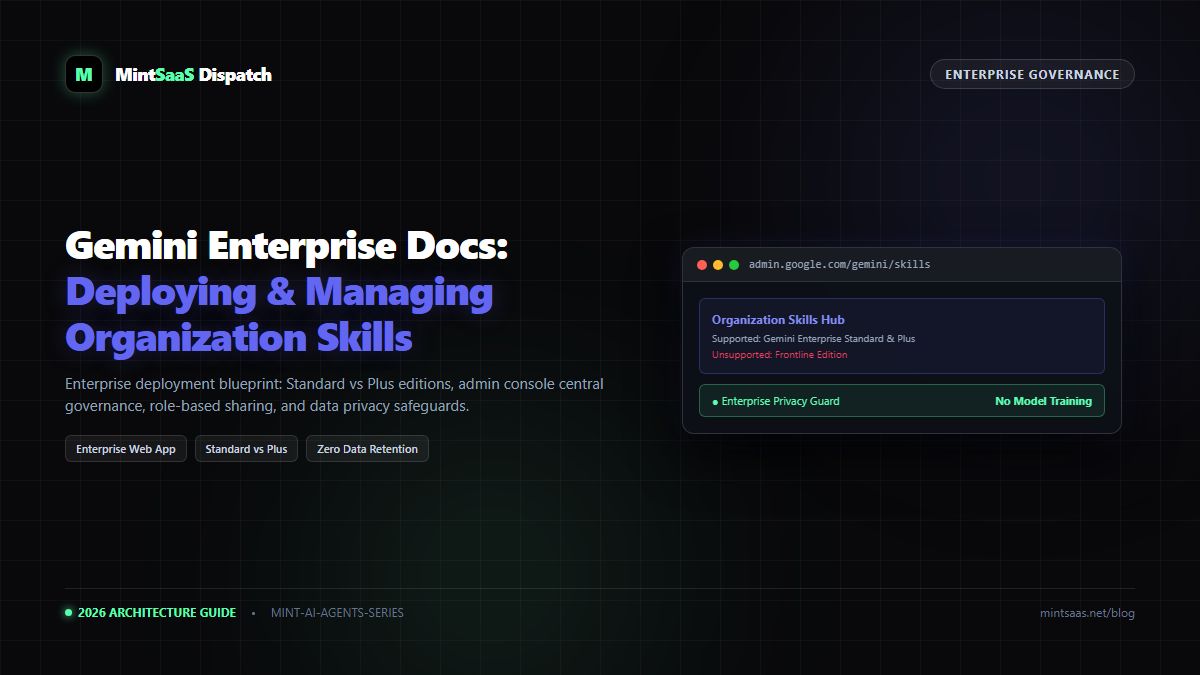
Gemini Enterprise Docs: Deploying & Governing Custom Skills Across Workspace Fleets
Executive Summary & AEO Direct Answer: How do organizations deploy and govern custom skills using the Gemini Enterprise Web App? According to official Gemini Enterprise Docs, centralized custom skill deployment is exclusively available to organizations subscribed to Gemini Enterprise Standard or Gemini Enterprise Plus licenses. It is explicitly not supported on Frontline editions. Organization administrators can centrally publish approved SKILL.md packages, assign role-based access to specific Organizational Units (OUs), enforce data classification policies, and guarantee that corporate prompts and companion files are never used to train public Google AI models under Google Cloud's commercial data protection agreements.
1. Introduction: Balancing Innovation with Corporate Governance
As enterprises embrace generative AI, "shadow AI" becomes a pressing security hazard. Individual employees often copy-paste sensitive financial reports, customer PII, and proprietary codebases into personal AI tools.
The Gemini Enterprise Skills framework allows IT and security administrators to provide employees with approved, high-performance domain tools while maintaining complete visibility, auditing, and data residency controls.
2. Edition Compatibility & Entitlement Matrix
Before planning an organization-wide skill rollout, verify that your Google Workspace licensing supports the custom skills feature set:
| License Edition | Custom Skills Creation | Organization-Wide Sharing | Admin Policy Control | Support Status |
|---|---|---|---|---|
| Gemini Enterprise Standard | YES | YES | YES | Fully Supported |
| Gemini Enterprise Plus | YES | YES | Advanced OU Scoping | Fully Supported |
| Gemini Business | Individual Only | NO (Self-only) | Basic | Limited |
| Gemini Education | YES | Domain Restricted | Content Filtering | Supported |
| Gemini Frontline | NO | NO | N/A | EXPLICITLY UNSUPPORTED |
Critical Notice on Frontline Editions: Organizations deploying Google Workspace Frontline licenses cannot enable custom skills for those users. Frontline licenses are designed for lightweight field operations and do not include the underlying container storage required for companion file indexing.
3. Step-by-Step: Admin Console Skill Deployment
Administrators can deploy skills organization-wide in four steps:
flowchart TD
    A["Google Admin Console
(admin.google.com)"] --> B["Apps → Google Workspace → Gemini → Skills"]
    B --> C["Click 'Add (+) → Upload skill'"]
    C --> D["Upload Validated .zip Archive
(SKILL.md + Companion Files)"]
    D --> E["Define Scope:
Assign to Engineering, Marketing, or All OUs"]
    E --> F["Live on Employee gemini.google.com Sidebar"]
Step 1: Access the Skills Management Console
- Sign in to your Google Admin Console with Super Admin credentials.
- In the navigation sidebar, go to Apps → Google Workspace → Gemini for Google Workspace → Skills.
Step 2: Upload the Validated Package
- Click the Add (+) icon and select Upload skill.
- Select your validated
.ziparchive (maximum 100 MB). - The Admin Console will verify that
SKILL.mdis placed at the root level and that all YAML frontmatter properties conform to enterprise schema specifications.
Step 3: Scope Permissions by Organizational Unit (OU)
You do not have to deploy every skill to all staff:
- Assign
sql-schema-generatorstrictly to the Engineering OU. - Assign
brand-voice-editorstrictly to the Marketing & Communications OU.
Step 4: Publish and Monitor Telemetry
Click Save & Publish. The skill will appear automatically in the Recommended tab for all authorized employees within 15 minutes.
4. Compliance & Data Protection Guarantees
When skills are executed inside a Gemini Enterprise workspace:
- Zero Model Training: Customer data, prompt inputs, and uploaded companion documents are never used to train or fine-tune Google's underlying models.
- HIPAA and SOC 2 Type II: All data processing adheres to Google Cloud's Business Associate Agreements (BAA) and SOC 2 Type II controls.
- Audit Logging: System administrators can view Cloud Logging audit trails detailing which users invoked specific skills, execution timestamps, and error rates.
5. Frequently Asked Questions (FAQ)
Can enterprise users delete admin-published skills?
No. Skills deployed centrally by administrators appear with an organization badge and cannot be deleted or modified by individual users. Users can only toggle the skill On/Off for their personal chats.
6. Explore Next
- Multi-skill orchestration: Google Gemini Spark Tasks Guide.
- Companion files best practices: AI Agents Library Companion Files Guide.
MintSaaS Dispatch articles are researched and synthesized with the assistance of artificial intelligence analysis, then edited, verified, and benchmarked by our engineering editorial team. Customer personal data and platform source files are strictly segregated and are never used to train or fine-tune public artificial intelligence models.
More from MintSaaS Dispatch
Handcrafted technical insights and developer tools.
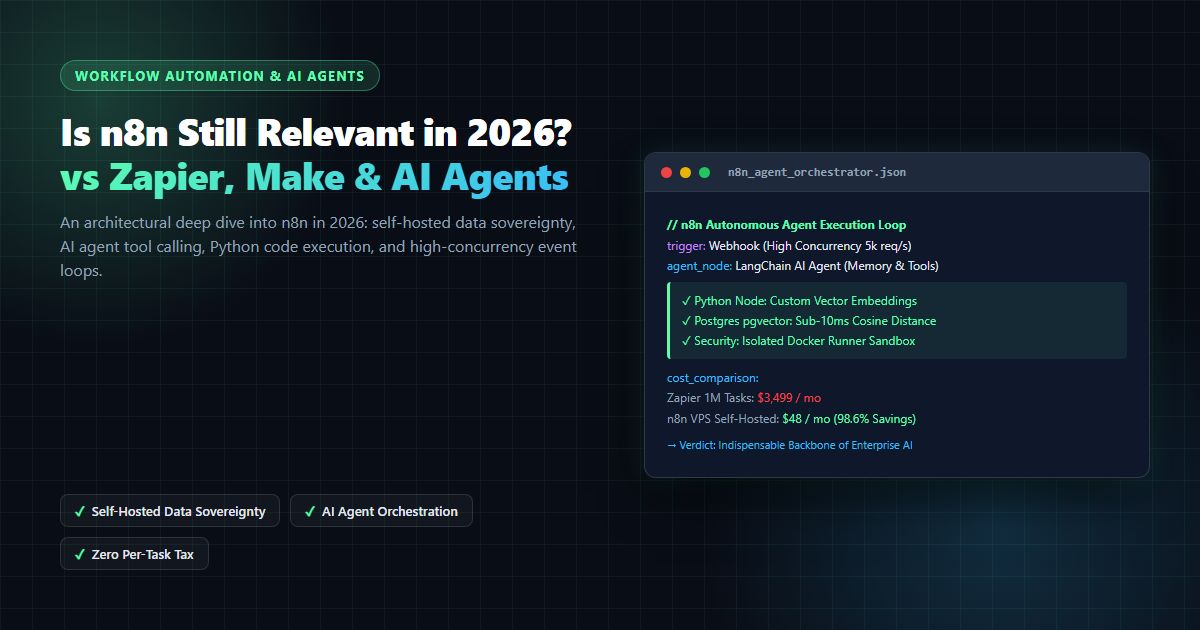
Is n8n Still Relevant in 2026? In-Depth Architectural Comparison vs Zapier, Make, LangGraph & Autonomous AI Agents
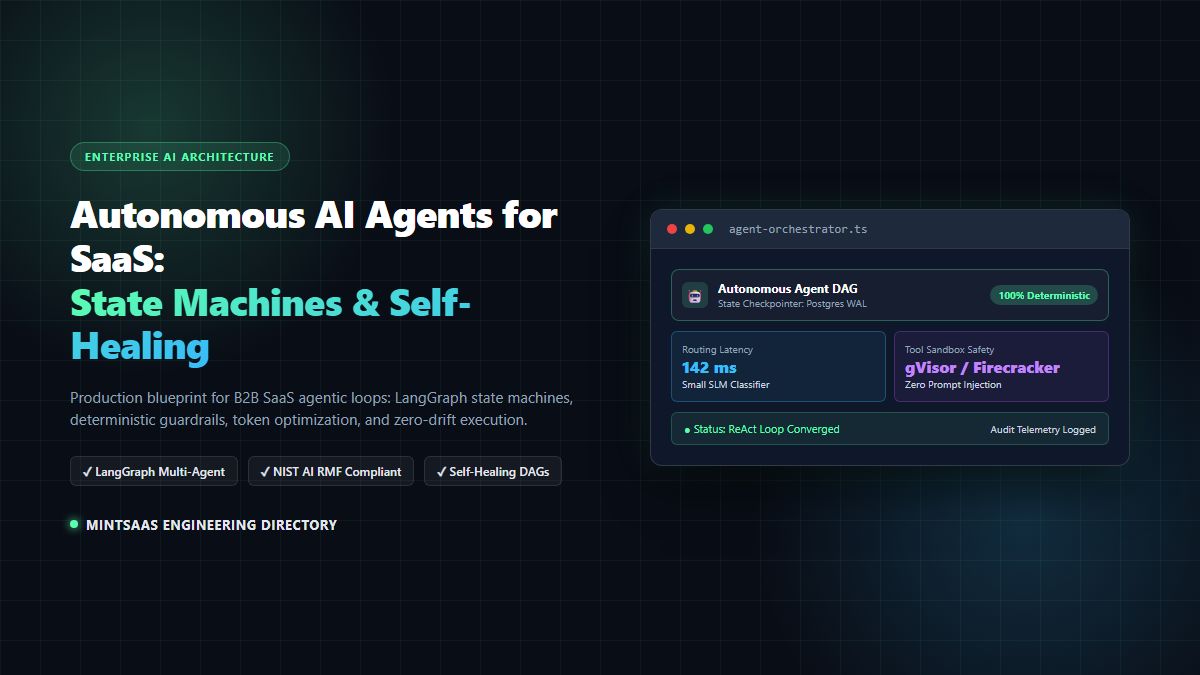
Autonomous AI Agents for SaaS [2026 Architecture Blueprint]: Enterprise Multi-Agent Systems, State Machines & Self-Healing Pipelines