Best SaaS Tools for Small Businesses in 2026: The Ultimate Stack Comparison
Discover the best SaaS tools for small businesses in 2026. From autonomous workflow automation and lightweight CRMs to unified financial infrastructure and AI productivity stacks, explore the battle-tested software driving modern SME efficiency.
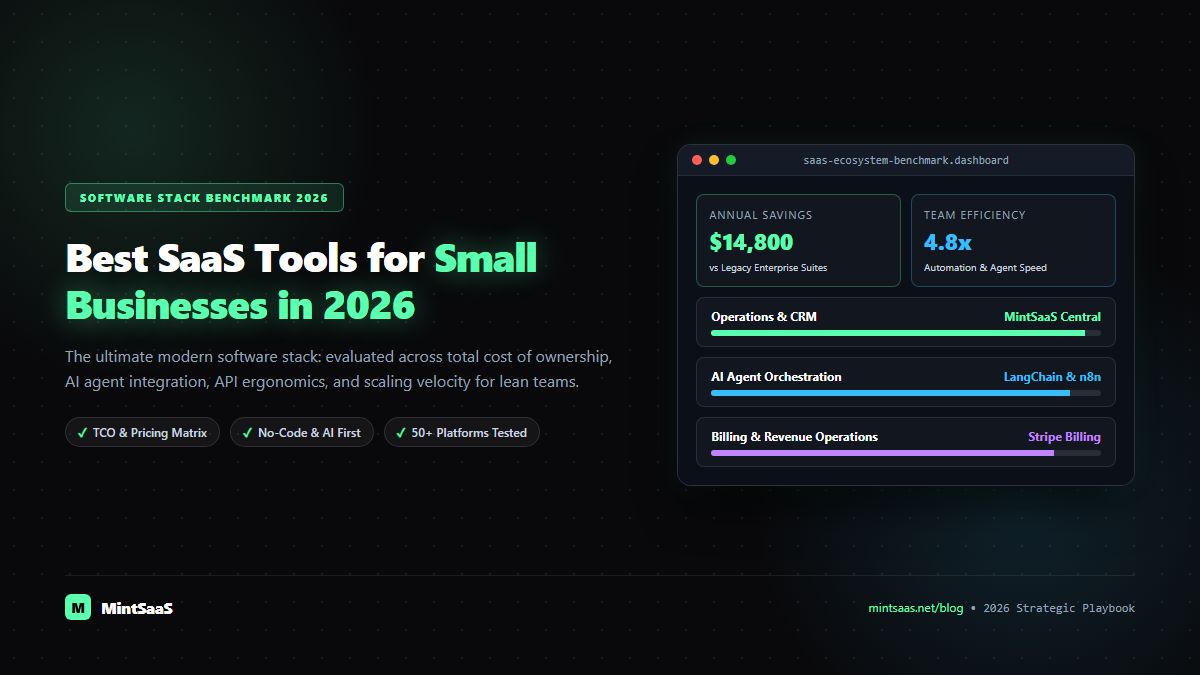
Best SaaS Tools for Small Businesses in 2026: The Ultimate Stack Comparison
Selecting software for a small business or growing enterprise used to mean choosing between two equally flawed extremes: bloated, enterprise-grade legacy suites that demand six-month implementation cycles, or disconnected, cheap point solutions that break as soon as transaction volume scales.
In 2026, the SaaS software landscape has fundamentally evolved. Modern software architectures emphasize API-first connectivity, autonomous AI orchestration, lean cost structures, and instant self-serve deployment. A 10-person organization equipped with an optimized, integrated SaaS tech stack can outmaneuver and outproduce a traditional 100-person enterprise burdened with legacy operational friction.
This comprehensive guide analyzes the best SaaS tools for small businesses in 2026 across six essential operational pillars: Customer Relationship Management (CRM), Workflow Automation, Financial Operations, Project Management, Customer Support, and Digital Document Security.
Direct Answer: 2026 Small Business SaaS Stack Summary
| Operational Category | Top Recommended SaaS Tool | Best High-Performance Alternative | Primary Strategic Advantage | Pricing Profile |
|---|---|---|---|---|
| 1. CRM & Lead Management | HubSpot (Starter) | Pipedrive | Seamless email tracking, automatic enrichment, scalable pipeline views | Freemium to $20/user/mo |
| 2. Autonomous Workflow Automation | n8n (Self-Hosted / Cloud) | Make (Integromat) | Fair-code flexibility, zero per-step execution penalties, private AI nodes | Free self-hosted or $20/mo |
| 3. Financial Infrastructure & Billing | Stripe Billing & Invoicing | QuickBooks Online | Global multi-currency support, automated tax compliance, instant webhooks | 0.5%–2.9% + transaction |
| 4. Project Management & Task Velocity | Linear | Notion Team Workspace | Sub-50ms latency, keyboard-driven navigation, clean engineering hygiene | $8–$12/user/mo |
| 5. Customer Support & Live Helpdesk | Crisp / Plain | Intercom | Lightweight in-app chat, shared inbox, AI instant knowledge retrieval | $25–$95/mo flat |
| 6. Digital Document & Asset Security | MintSaaS Toolkits | Adobe Acrobat DC | Local client-side processing, zero data upload leaks, lifetime pricing options | Pay-per-tool / Lifetime |
Category 1: CRM & Customer Relationship Management
A Customer Relationship Management (CRM) platform is the commercial nervous system of any growing enterprise. In 2026, spreadsheets like Google Sheets or Excel are dangerous liabilities for tracking customer interactions—they lack automated audit trails, lead assignment routing, activity logging, and conversion funnels.
1. HubSpot Starter CRM
- Why It Wins in 2026: HubSpot Starter combines contact management, visual pipeline boards, email template tracking, and form generation into a cohesive, beautifully polished interface.
- Key Features:
- Live email open and link-click tracking for sales outreach.
- Automatic contact enrichment using domain-matching algorithms.
- Native calendar scheduling links that sync with Google Calendar and Microsoft Outlook.
- Ideal For: B2B service agencies, consultancies, and growth-stage companies seeking a zero-headache setup that non-technical sales reps love.
2. Pipedrive
- Why It’s a Contender: Built specifically around sales velocity, Pipedrive focuses purely on deal progression across stage gates. It provides outstanding mobile apps and intuitive activity scheduling reminders.
- Ideal For: Sales-heavy teams focused on cold outreach, inbound qualification, and aggressive pipeline closing.
Category 2: Workflow Automation & Integration Infrastructure
Small businesses cannot afford to employ full-time data entry personnel. Workflow automation platforms connect your disparate SaaS applications, automatically passing data between forms, payment gateways, databases, and communication channels.
1. n8n (Modern Open-Source Automation)
- Why It Wins in 2026: Unlike legacy automation platforms that charge steep penalties every time a single workflow step executes, n8n allows small businesses to execute millions of automated operations at predictable flat-rate costs.
- Key Features:
- Over 400+ pre-built native connectors (Stripe, Slack, HubSpot, PostgreSQL, Google Sheets).
- Native LangChain and Autonomous AI Agent nodes for intelligent document reasoning.
- Self-hosting option that ensures complete GDPR/SOC2 data sovereignty.
- Ideal For: Growing businesses requiring high-volume data movement, custom webhook handling, and enterprise-grade reliability without usage-based billing shocks.
2. Make (formerly Integromat)
- Why It’s a Contender: Make provides an unmatched visual canvas for designing multi-branch decision trees with visual error routing.
- Ideal For: Marketers and non-technical founders who prefer visual flowchart mapping for creative campaigns and lead nurturing.
Category 3: Financial Infrastructure, Invoicing & Billing
Billing friction directly harms cash flow. Modern financial SaaS tools eliminate the days of manually authoring Word-based invoices, chasing overdue bank wire transfers, and manually computing cross-border taxes.
1. Stripe Billing & Invoicing
- Why It Wins in 2026: Stripe is the undisputed gold standard for digital transactions, subscription management, and hosted customer portals.
- Key Features:
- Native Stripe Checkout supporting credit cards, Apple Pay, Google Pay, and localized bank rails.
- Stripe Tax automatically calculates, collects, and reports sales tax across US states and VAT/GST internationally.
- Self-serve Customer Portal allowing clients to update credit cards, review past receipts, and manage recurring plans without contacting support.
- Ideal For: Digital product sellers, SaaS startups, agencies, and e-commerce stores requiring bulletproof security and instant webhook integration.
2. QuickBooks Online / Xero
- Why They’re Contenders: When an enterprise reaches the stage of managing balance sheets, accounts payable, depreciation schedules, and certified CPA audits, dedicated cloud accounting software is mandatory.
- Ideal For: Businesses with physical inventory, multi-entity payroll, and formal CPA compliance requirements.
Category 4: Project Management & Team Execution Velocity
The biggest threat to a growing small business is communication opacity—projects slipping past deadlines because tasks are buried in email threads or chat messages.
1. Linear
- Why It Wins in 2026: Originally built for engineering teams, Linear has taken the broader business world by storm due to its lightning-fast performance, keyboard shortcuts, and clean project hygiene.
- Key Features:
- Sub-50ms UI response time; zero loading lag.
- Automated project roadmaps, issue cycles, and workload distribution graphs.
- Seamless two-way integration with GitHub, Slack, and Figma.
- Ideal For: Product studios, software teams, digital creators, and fast-moving agencies that value speed, clarity, and zero administrative clutter.
2. Notion
- Why It’s a Contender: Notion functions as the universal digital workspace. It unifies corporate wikis, Standard Operating Procedures (SOPs), company roadmaps, and client-facing portals into an infinite modular canvas.
- Ideal For: Companies needing a centralized company knowledge base, team documentation hub, and collaborative brainstorming canvas.
Category 5: Customer Support & Multi-Channel Helpdesks
Customer satisfaction is the ultimate retention engine. In 2026, consumers and B2B buyers expect instant, knowledgeable, and polite responses to their inquiries across both desktop and mobile devices.
1. Crisp
- Why It Wins in 2026: Crisp provides an ultra-lightweight live chat widget that does not degrade your website's Core Web Vitals or page load performance.
- Key Features:
- Unified inbox aggregating Website Live Chat, Email, WhatsApp, and Social DMs.
- In-app screen-sharing (Crisp LiveTranslate and Crisp Co-Browse) to guide customers visually through complex software.
- Flat-rate pricing structure that supports up to 20 agents without per-seat fee inflation.
- Ideal For: E-commerce stores, SaaS applications, and service agencies wanting real-time engagement with site visitors.
2. Plain
- Why It’s a Contender: Plain is an API-first customer communication platform built specifically for modern technology teams, delivering lightning-fast thread resolution, custom customer cards, and complete webhook control.
- Ideal For: Developer-focused tools, API services, and high-technicality customer ecosystems.
Category 6: Document Security, File Optimization & Digital Tools
Running a small business requires constant handling of digital assets: compressing heavy marketing imagery, editing confidential PDFs, converting vector logos, and managing product licenses. Relying on ad-supported, public web converters poses massive security and data privacy hazards.
MintSaaS Dedicated Utilities & Toolkits
- Why It Wins in 2026: Rather than paying $240/year per employee for bulky legacy suites or risking confidential corporate data on unvetted online upload tools, MintSaaS provides high-performance, client-side digital utilities that process documents entirely inside your browser:
- MintSaaS PDF Toolkit: Merge contracts, split multi-page filings, apply digital signatures, and compress bulky PDFs with zero server upload leaks.
- MintSaaS Image Compressor: Batch-compress high-resolution marketing assets, convert PNG/SVG to WebP, and strip EXIF metadata locally.
- Ideal For: Privacy-conscious business owners, legal advisors, accountants, and marketing specialists who require secure, rapid document operations without recurring subscription fatigue.
How to Evaluate and Prune Your Small Business SaaS Stack
As a small business scales, SaaS bloat becomes a major profit drain. Follow these three golden rules to maintain a lean, high-ROI software portfolio:
[1. Single Source of Truth] ──> [2. Evaluate Per-User Seat Traps] ──> [3. Zero-Integration Penalty]- Enforce a Single Source of Truth: Never allow customer records to exist in two places at once. If your CRM is the master customer record, all invoicing tools, helpdesks, and marketing automations must sync back to that central ID.
- Beware of Per-Seat Invoicing Traps: Software that charges $30–$50 per user per month can quickly balloon to thousands of dollars as you hire contractors and staff. Look for tools offering flat organizational pricing, fair-code models, or standalone lifetime utilities.
- The Zero-Integration Penalty: If a new software application does not possess a robust REST API, native webhooks, or open connectors, do not adopt it. Isolated software silos create manual data-entry bottlenecks that destroy organizational velocity.
Frequently Asked Questions (FAQ)
What is the average monthly SaaS spend for a small business?
Small businesses with 1 to 10 employees typically spend between $300 and $1,200 per month across their entire SaaS portfolio (accounting, CRM, email hosting, automation, and project management). Beyond 10 employees, SaaS expenditure typically averages $150 to $250 per employee per month.
How can a small business prevent SaaS subscription sprawl?
Conduct a quarterly SaaS audit: review credit card and bank statements for dormant subscriptions, consolidate redundant tools (e.g., ensure you are not paying for both Asana and ClickUp simultaneously), and downgrade unused user seat licenses immediately.
Which SaaS tools offer the highest return on investment (ROI)?
Workflow automation platforms (like n8n) and CRM systems (like HubSpot) deliver the highest direct financial ROI. Automations save hundreds of payroll hours annually, while a well-structured CRM prevents high-value sales opportunities from slipping through the cracks.
More from MintSaaS Dispatch
Handcrafted technical insights and developer tools.
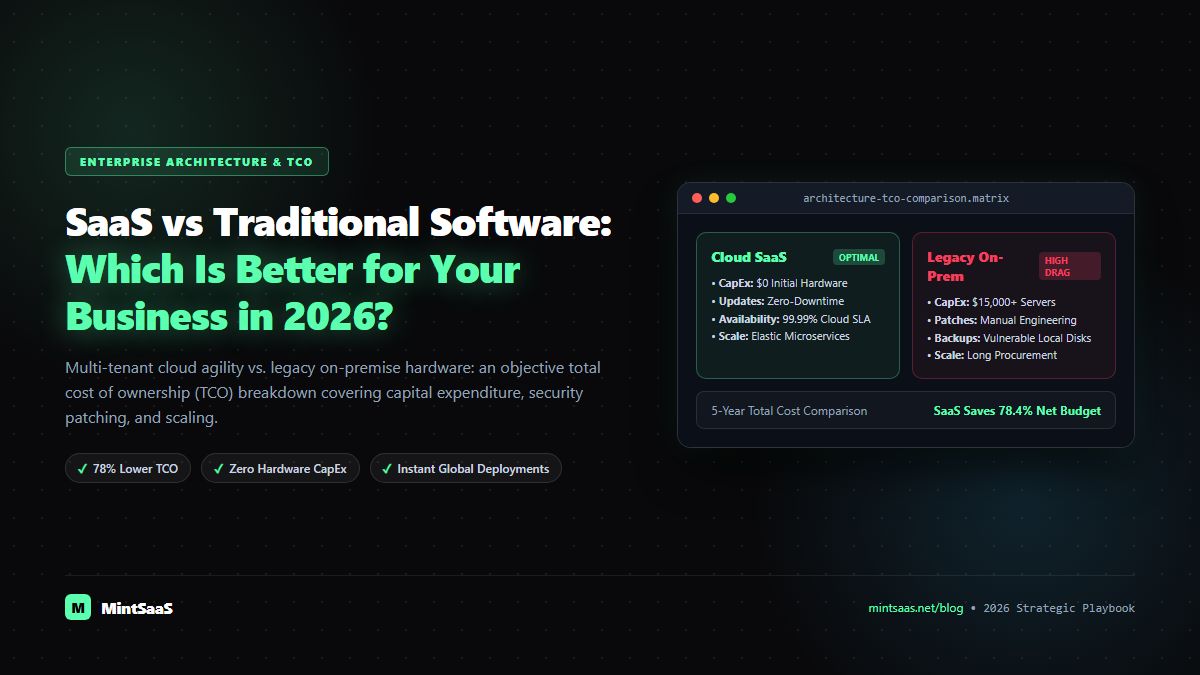
SaaS vs Traditional Software: Which Is Better for Your Business in 2026?
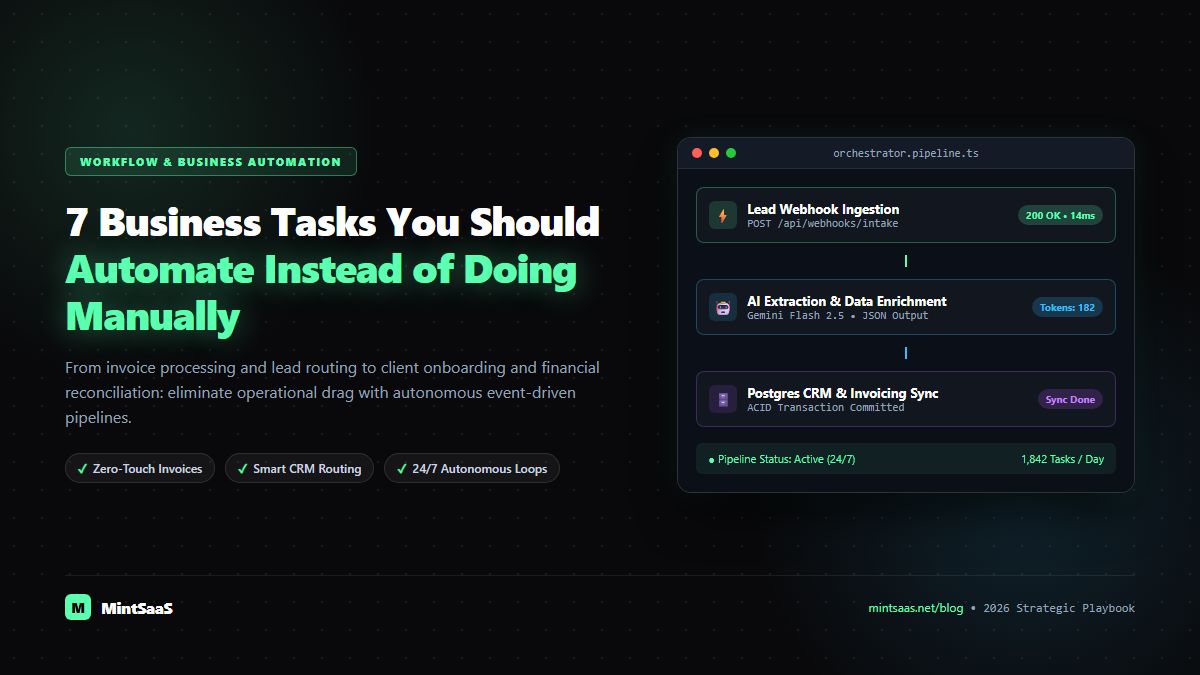
7 Business Tasks You Should Automate Instead of Doing Manually in 2026