Best Image Compression Tools for Web Developers in 2027
Compare the best image compression tools for web developers: Sharp, Squoosh, cwebp, avifenc, MintSaaS Compressor, Next.js Image, and more. Client-side, CLI, and build-time options.
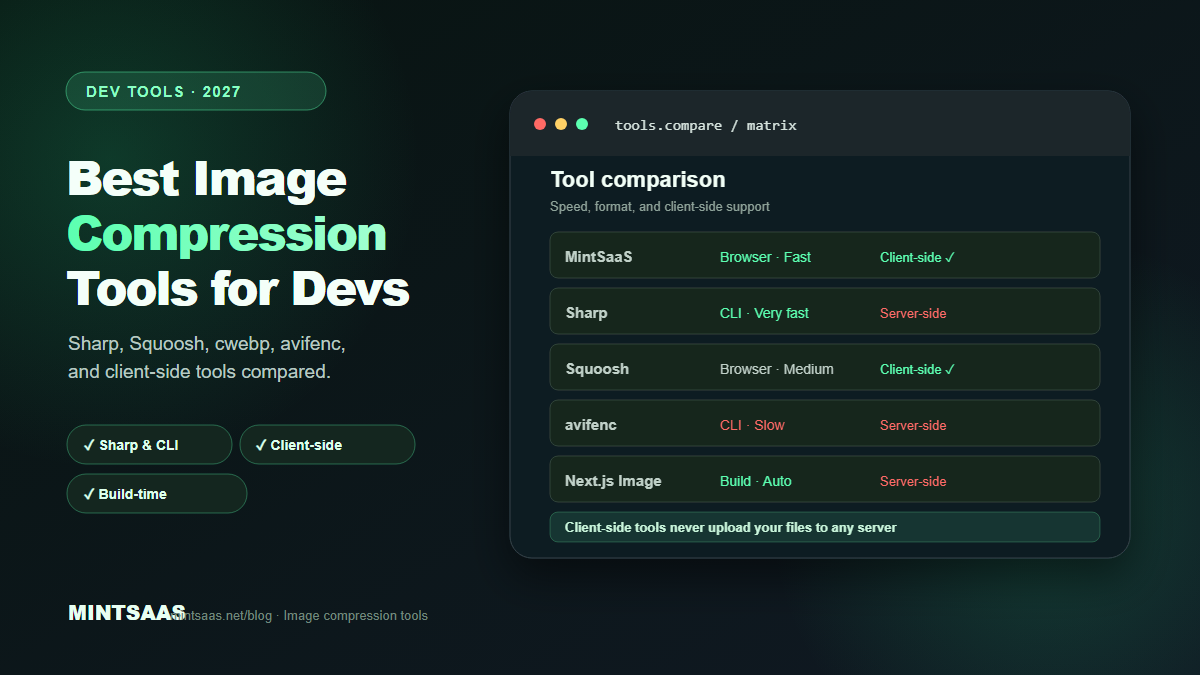
Best Image Compression Tools for Web Developers in 2027
Quick answer: The best image compression tools for web developers in 2027 are Sharp (Node.js, 4–5× faster than ImageMagick), Squoosh.app (visual comparison), the MintSaaS Image Compressor (client-side, no upload), cwebp/avifenc (command-line), and Next.js Image (build-time automatic optimization). Choose based on your workflow: build-time automation for production, CLI for batch processing, browser-based for sensitive files.[1][3][5]
Image compression is a critical part of web development, but choosing the right tool can be overwhelming. There are dozens of options — from command-line utilities to browser-based apps to build-time plugins. Each has different strengths, speed characteristics, and quality trade-offs.
This guide compares the most effective image compression tools available in 2027, organized by workflow type. Whether you are optimizing a single hero image or processing thousands of product photos, you will find the right tool here.
Why tool choice matters
The tool you use affects three things: compression ratio, processing speed, and image quality. A tool that produces 5% smaller files but takes 10× longer to run may not be worth it for a build pipeline that processes 10,000 images. A tool that is fast but produces visible artifacts may be unacceptable for a design portfolio.
The right tool depends on your constraints: file count, sensitivity requirements, deployment environment, and quality standards. This guide helps you match the tool to the job.
Browser-based tools (client-side, no upload)
Browser-based tools process images in your browser using WebAssembly or JavaScript. The file never leaves your device, making them ideal for sensitive images.
MintSaaS Image Compressor
The MintSaaS Image Compressor is a client-side tool that compresses images without uploading them to any server. It supports batch processing, format conversion (JPEG, PNG, WebP, AVIF), quality adjustment, and resize. The tool uses WebAssembly for near-native performance in the browser.
Best for: Sensitive images (ID documents, medical records, unreleased products), quick one-off compression, users who don't want to install software.
Strengths: No upload, no server, no account required. Batch processing. Format conversion. Quality slider with live preview.
Limitations: Browser memory limits for very large files (>50 MB). No build-time integration.
Squoosh.app
Squoosh is Google's open-source image compression tool. It provides a side-by-side visual comparison of the original and compressed image, allowing you to find the optimal quality setting for each image. It supports JPEG, PNG, WebP, AVIF, and more.
Best for: Finding optimal quality settings, visual comparison, one-off optimization.
Strengths: Excellent visual comparison. Wide format support. Open source.
Limitations: Single-file processing (no batch). No build-time integration. Can be slow for large images.
TinyPNG / TinyJPG
TinyPNG and TinyJPG are simple drag-and-drop compression services. They use smart lossy compression to reduce PNG and JPEG file sizes by 60–80%. The free tier allows 20 images per batch.
Best for: Quick compression of PNG/JPEG files. Users who want simplicity.
Strengths: Extremely simple. Good compression ratios. API available for automation.
Limitations: Server-side processing (files are uploaded). Free tier limits. No format conversion.
Command-line tools
Command-line tools are the backbone of build pipelines and batch processing. They are fast, scriptable, and integrate with CI/CD.
Sharp (Node.js)
Sharp is the industry standard for server-side image processing. Built on libvips (a C library), it is 4–5× faster than ImageMagick and uses significantly less memory. It supports JPEG, PNG, WebP, AVIF, TIFF, and more.
Best for: Build-time optimization, server-side processing, batch conversion, Next.js/Nuxt integrations.
Strengths: Extremely fast. Low memory usage. Excellent API. Supports all major formats. Active maintenance.
Example usage:
const sharp = require('sharp');
sharp('input.jpg')
  .resize(1920, 1080, { fit: 'inside' })
  .webp({ quality: 80 })
  .toFile('output.webp');
Limitations: Requires Node.js. Learning curve for complex pipelines.
cwebp (WebP encoder)
cwebp is Google's official WebP encoder. It converts JPEG, PNG, and TIFF to WebP format. It is fast, reliable, and well-documented.
Best for: Converting existing images to WebP. Simple, single-format conversion.
Example usage:
cwebp -q 80 input.jpg -o output.webp
cwebp -lossless input.png -o output.webp
Limitations: Only converts to WebP (not from WebP). No resize or other processing.
avifenc (AVIF encoder)
avifenc is the reference AVIF encoder from libavif. It produces the highest-quality AVIF files but is significantly slower than other encoders.
Best for: Static hero images, maximum compression scenarios.
Example usage:
avifenc --min 0 --max 63 -a cq-level=25 input.jpg output.avifLimitations: Slow encoding. Complex command-line options. Requires compilation on some platforms.
ImageMagick
ImageMagick is the Swiss Army knife of image processing. It supports hundreds of formats and operations. While slower than Sharp, it is more versatile and available on virtually every platform.
Best for: Complex image manipulation, format conversion, watermarking, multi-step processing.
Strengths: Universal availability. Extremely versatile. Supports obscure formats.
Limitations: Slow compared to Sharp. High memory usage. Complex syntax.
MozJPEG
MozJPEG is Mozilla's production JPEG encoder. It produces 5–10% smaller JPEG files than standard libjpeg at the same quality. It is a drop-in replacement for libjpeg.
Best for: JPEG optimization when JPEG is the target format (email, fallback, legacy support).
Example usage:
cjpeg -quality 85 -optimize input.ppm > output.jpgBuild-time tools
Build-time tools automatically optimize images during your build process. They require no manual intervention after setup.
Next.js Image
Next.js Image component automatically serves the right format and size for each device. It generates WebP/AVIF variants at build time and serves them via the /_next/image endpoint.
Configuration:
// next.config.js
module.exports = {
  images: {
    formats: ['image/avif', 'image/webp'],
  },
};
Best for: Next.js projects. Automatic optimization with zero manual work.
Vite Image Plugins
Vite plugins like vite-plugin-image-optimizer automatically compress and convert images during the build. They support JPEG, PNG, WebP, AVIF, and SVG.
Best for: Vite-based projects (React, Vue, Svelte, Astro).
Webpack Image Webpack Loader
image-webpack-loader compresses images during webpack builds. It supports mozjpeg, pngquant, optipng, svgo, and webp.
Best for: Webpack-based projects.
Comparison table
| Tool | Type | Speed | Formats | Batch | Client-side | Best for |
|---|---|---|---|---|---|---|
| MintSaaS Compressor | Browser | Fast | JPEG, PNG, WebP, AVIF | Yes | Yes | Sensitive files, quick use |
| Squoosh.app | Browser | Medium | All major | No | Yes | Visual comparison |
| TinyPNG | Browser | Fast | PNG, JPEG | Yes (20) | No | Simple compression |
| Sharp | CLI | Very fast | All major | Yes | No | Build pipelines |
| cwebp | CLI | Fast | WebP | Yes | No | WebP conversion |
| avifenc | CLI | Slow | AVIF | Yes | No | Max compression |
| ImageMagick | CLI | Slow | All | Yes | No | Complex processing |
| MozJPEG | CLI | Fast | JPEG | Yes | No | JPEG optimization |
| Next.js Image | Build | Auto | WebP, AVIF | Auto | No | Next.js projects |
| Vite plugins | Build | Auto | All major | Auto | No | Vite projects |
Choosing the right tool
For sensitive images: Use a client-side tool like the MintSaaS Image Compressor. No upload, no server, no risk.
For build pipelines: Use Sharp with a Node.js script. It is 4–5× faster than ImageMagick and integrates with any build system.
For finding optimal settings: Use Squoosh.app to visually compare quality levels and find the sweet spot for each image type.
For maximum compression: Use avifenc for AVIF encoding. Accept the slower processing time for the 40–50% file size reduction.
For Next.js projects: Use the built-in Image component. It handles format selection, responsive sizing, and lazy loading automatically.
For batch processing: Use Sharp or the MintSaaS Batch Image Converter depending on whether you need client-side or server-side processing.
Frequently Asked Questions (FAQ)
What is the fastest image compression tool?
Sharp (Node.js) is the fastest widely available tool, processing images 4–5× faster than ImageMagick. For browser-based tools, the MintSaaS Image Compressor uses WebAssembly for near-native speed. For build-time, Next.js Image and Vite plugins optimize automatically during builds.[3]
Which tool produces the smallest file sizes?
avifenc (AVIF encoder) produces the smallest files — 40–50% smaller than JPEG at equivalent quality. For WebP, cwebp and Sharp produce equivalent results. For JPEG, MozJPEG produces 5–10% smaller files than standard libjpeg.[3]
Can I compress images without uploading them?
Yes. Browser-based tools like the MintSaaS Image Compressor process files entirely in your browser using WebAssembly. No files are uploaded to any server. This is essential for sensitive documents, medical records, and unreleased product images.[5]
What is the best tool for batch image compression?
For server-side batch processing, Sharp with a Node.js script is the industry standard. For client-side batch processing, the MintSaaS Batch Image Converter handles multiple files without upload. For build-time batch processing, use Next.js Image or Vite plugins.[3][5]
How do I choose between quality and file size?
Use Squoosh.app to visually compare the original and compressed image at different quality settings. The optimal setting is the lowest quality that produces no visible difference at normal viewing distance. For most web images, this is quality 75–85 (JPEG/WebP) or quality 45–55 (AVIF).[1][3]
Are free image compression tools safe?
Browser-based tools that process client-side (like MintSaaS) are safe because files never leave your device. Server-side free tools (like TinyPNG) upload your files to their servers — acceptable for non-sensitive images but not for confidential documents. Always check the tool's privacy policy.[5]
What is the best tool for AVIF encoding?
avifenc (libavif) produces the best AVIF files. Sharp supports AVIF encoding and is faster for batch processing. For browser-based AVIF, Squoosh.app and the MintSaaS Image Compressor support AVIF conversion.[3]
How do I integrate image compression into my build pipeline?
Use Sharp in a Node.js build script, or use framework-specific tools: Next.js Image for Next.js, vite-plugin-image-optimizer for Vite, image-webpack-loader for Webpack. These tools automatically compress and convert images during the build process.[3][5]
Related reading on MintSaaS
- How to Compress Images Without Losing Quality: The Complete 2027 Guide
- How to Convert Images Between Formats: The Complete Guide to WebP, AVIF, JPEG, and PNG in 2027
- Batch Convert Images Online: The Definitive 2026 Bulk Image Conversion & Compression Guide
- PDF Security: How to Protect Sensitive Documents Online in 2027
- WebP vs AVIF: Which Image Format Wins in 2027?
- How to Optimize Images for SEO: Complete Guide to Faster Loading and Higher Rankings
- How to Grow on Instagram in 2027: A Practical Growth Guide
- How to Batch Compress Images Online: Bulk Workflow Guide for 2027
- Image Optimization for E-Commerce: Product Photos That Convert in 2027
- How to Resize Images for Social Media: Platform-Specific Guide for 2027
- SVG Optimization: How to Reduce Vector File Size for Web in 2027
- How to Optimize Images for Mobile: Responsive Image Guide for 2027
- Lossless vs Lossy Compression: When to Use Each for Images in 2027
- Image CDN vs Self-Hosted: Which Is Better for Performance in 2027?
- How to Use the HTML Picture Element for Responsive Images in 2027
- Image Lazy Loading: Implementation Guide for Web Performance in 2027
Sources
[1] MDN Web Docs — Image file type and format guide: https://developer.mozilla.org/en-US/docs/Web/Media/Guides/Formats/Image_types
[2] Squoosh.app — Google's image compression tool: https://squoosh.app
[3] Image Optimization for the Web (boxtool.app): https://boxtool.app/en/guides/image-optimization-for-web/
[4] Sharp documentation: https://sharp.pixelplumbing.com/
[5] MintSaaS Image Compressor: https://www.mintsaas.net/products/image-compressor
Free tools on MintSaaS
Try our free tools to put this guide into practice:
MintSaaS Dispatch articles are researched and synthesized with the assistance of artificial intelligence analysis, then edited, verified, and benchmarked by our engineering editorial team. Customer personal data and platform source files are strictly segregated and are never used to train or fine-tune public artificial intelligence models.
More from MintSaaS Dispatch
Handcrafted technical insights and developer tools.